93-520-20 Issue 3.3 Page 29 of 60 CirrusPro Engineer’s Manual
Test Mode: Not Available.
Hardware: The 2 options, MUX Interface and Zone O/P Board should be checked if the
equipment is fitted. These will be set up on manufacture but may be incorrect if a
replacement board is being fitted.
The Zone O/P Board is fitted with the CirrusPro 200DSC, 200DSC+ and X4.
The MUX interface communicates directly to several models of fire alarm control
panels manufactured by Protec Fire Detection PLC.
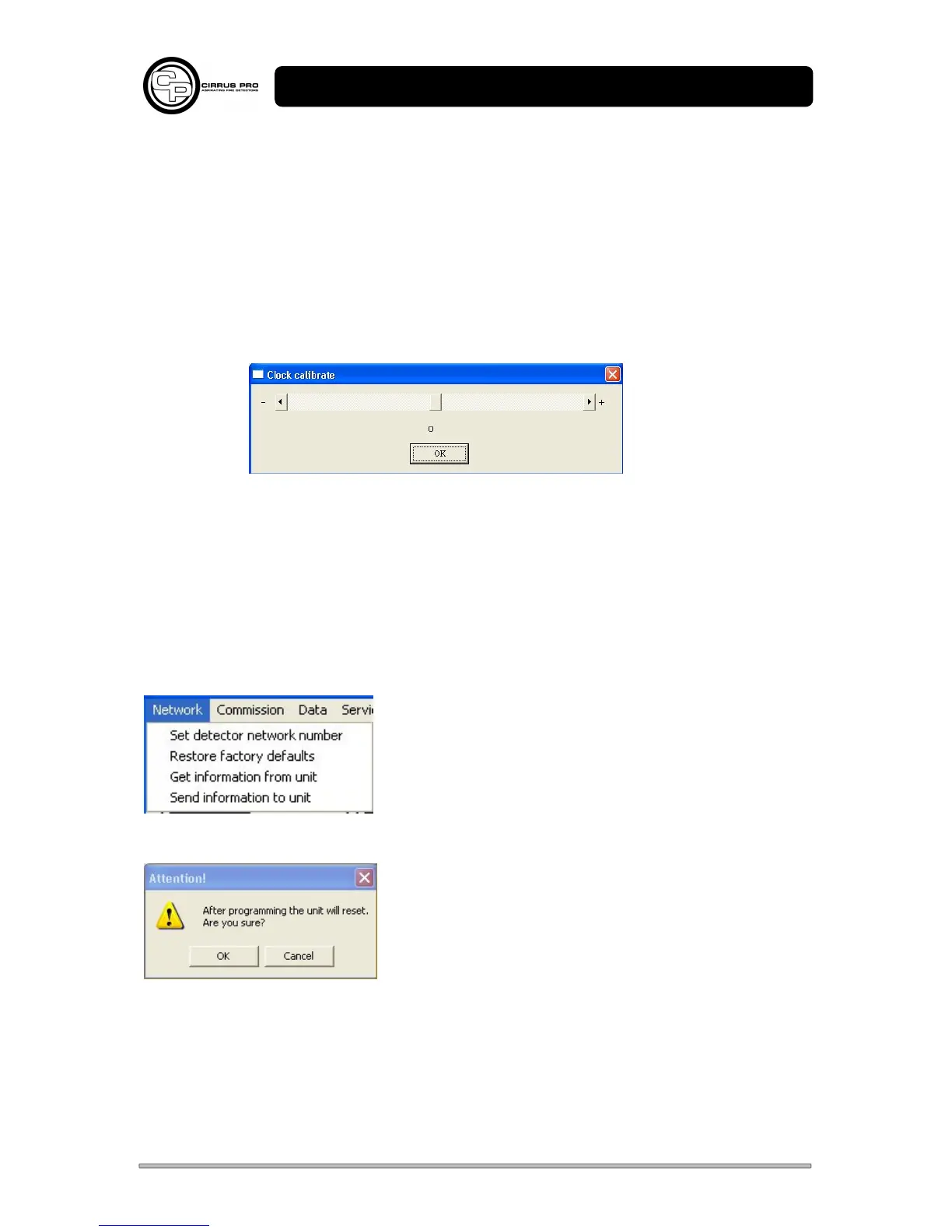
Clock Calibrate:
If it is found that the unit clock is running fast or slow, this can be used to correct the
running of the clock.
By default the unit will be set to zero. The range is –31 to +31.
Each unit above zero adds 10.7 seconds per day.
Each unit below zero subtracts 5.35 seconds per day.
3.2.20 Saving data to the Unit
After commissioning, the data must be saved to the unit.
Open the Network option box and click ‘Send information to unit’.
Click OK to send the data. Progress bars will be displayed confirming the download.
Get Information from Unit reloads the settings that are stored on the unit. This can be used to check
that the data has been stored correctly, or to return to the original settings before modification.
Restore Factory Defaults sets the unit back to the factory defaults, detailed in Section 1.2.



 To Next Page