93-520-20 Issue 3.3 Page 36 of 60 CirrusPro Engineer’s Manual
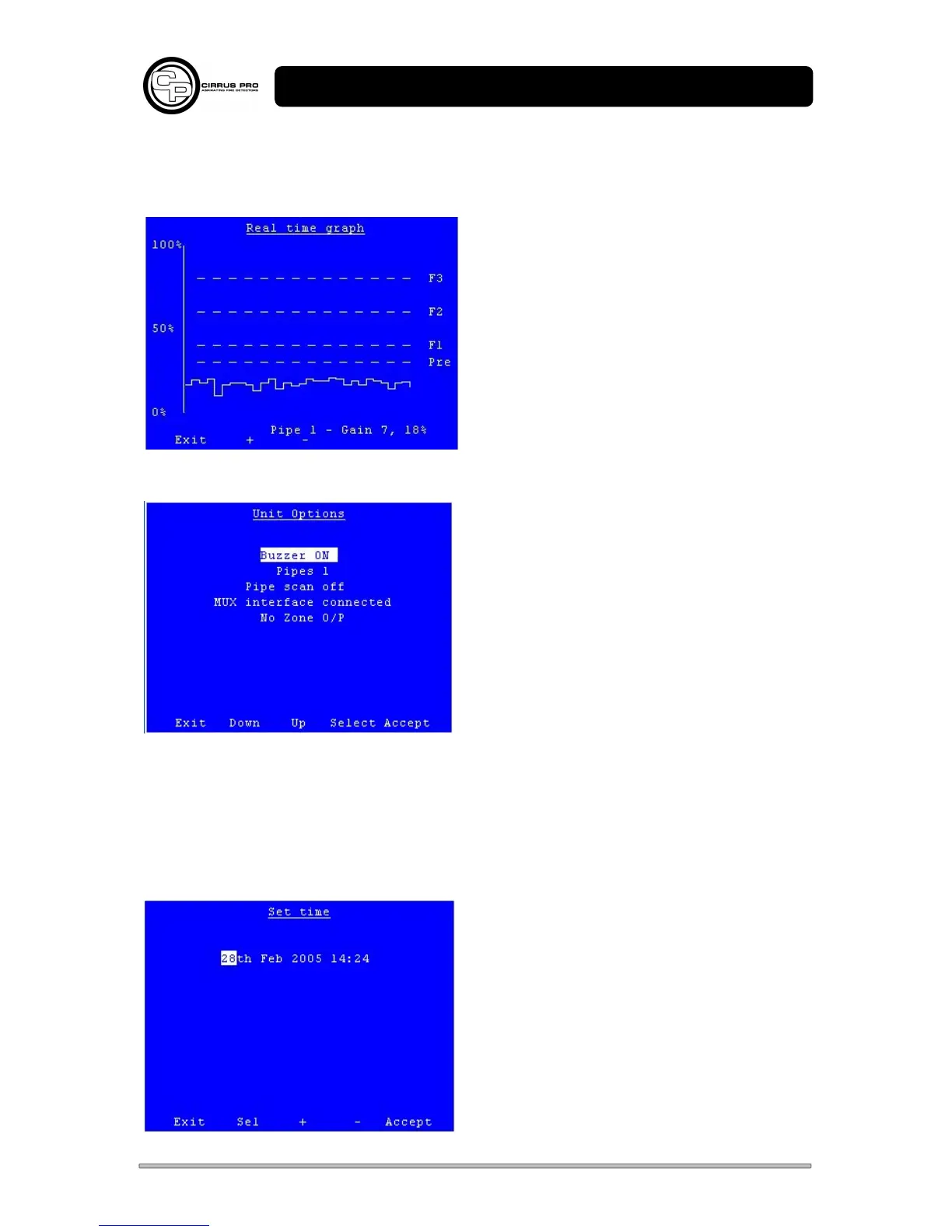
3.4.4 Real Time graph
Shows a real time graph of the current particle and alarm levels showing about 5 minutes.
Use + and – to view other Pipes (where available).
3.4.5 Unit options
Use Up and Down to move the options, press select
to change the option.
a. Select to display Buzzer ON or Buzzer OFF.
Enables and disables the internal buzzer.
b. Press Select to choose which pipes scan:
Pipe Scan 1 Scans Pipe 1
Pipe Scan 2 Scans Pipes 1 and 2
Pipe Scan 3 Scans Pipes 1 to 3
Pipe Scan 4 Scans all Pipes 1 to 4
c. Select MUX Interface Connected or No MUX Interface as required.
d. Select Zone O/P Connected or No Zone O/P as required.
Press Accept to save the settings or Exit to leave the Menu
3.4.6 Set Unit Time
Use Select (Sel) to highlight the section to be edited
and + and – to increase or decrease its value. When
the required time and date are correct, press
Accept.



 To Next Page