Viewing Error and Test Logs page 23
User Guide for Jess
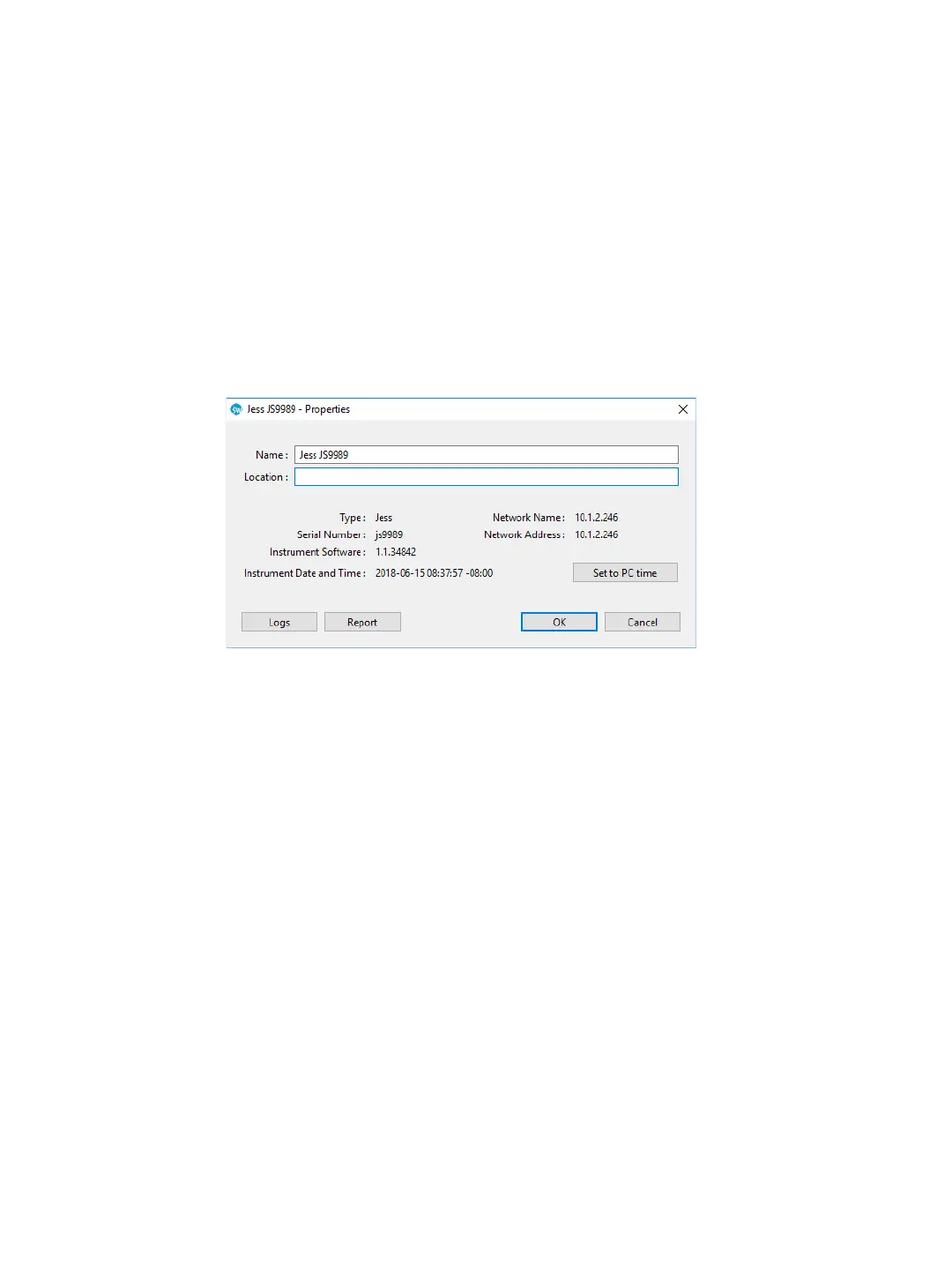
•Location
• Type
• Serial number
• Instrument software version (firmware)
• Network name and address
• Date and time of the instrument clock
• To change system name or location: Click in the name or location boxes and enter the new infor-
mation.
• To sync the instrument clock with the computer: Click Set to PC time.
Viewing Error and Test Logs
From the Compass for Simple Western main menu, select Instrument and click Properties. To view a log,
click Logs.


 To Next Page