Self Test page 22
User Guide for Jess
4. Keep the blot cartridge in a clean, dry area and protected from dust.
Stopping a Run
To stop an imaging run, click Stop and confirm your choice. When the run stops, the Start button will reap-
pear so you can start another run when you’re ready.
Self Test
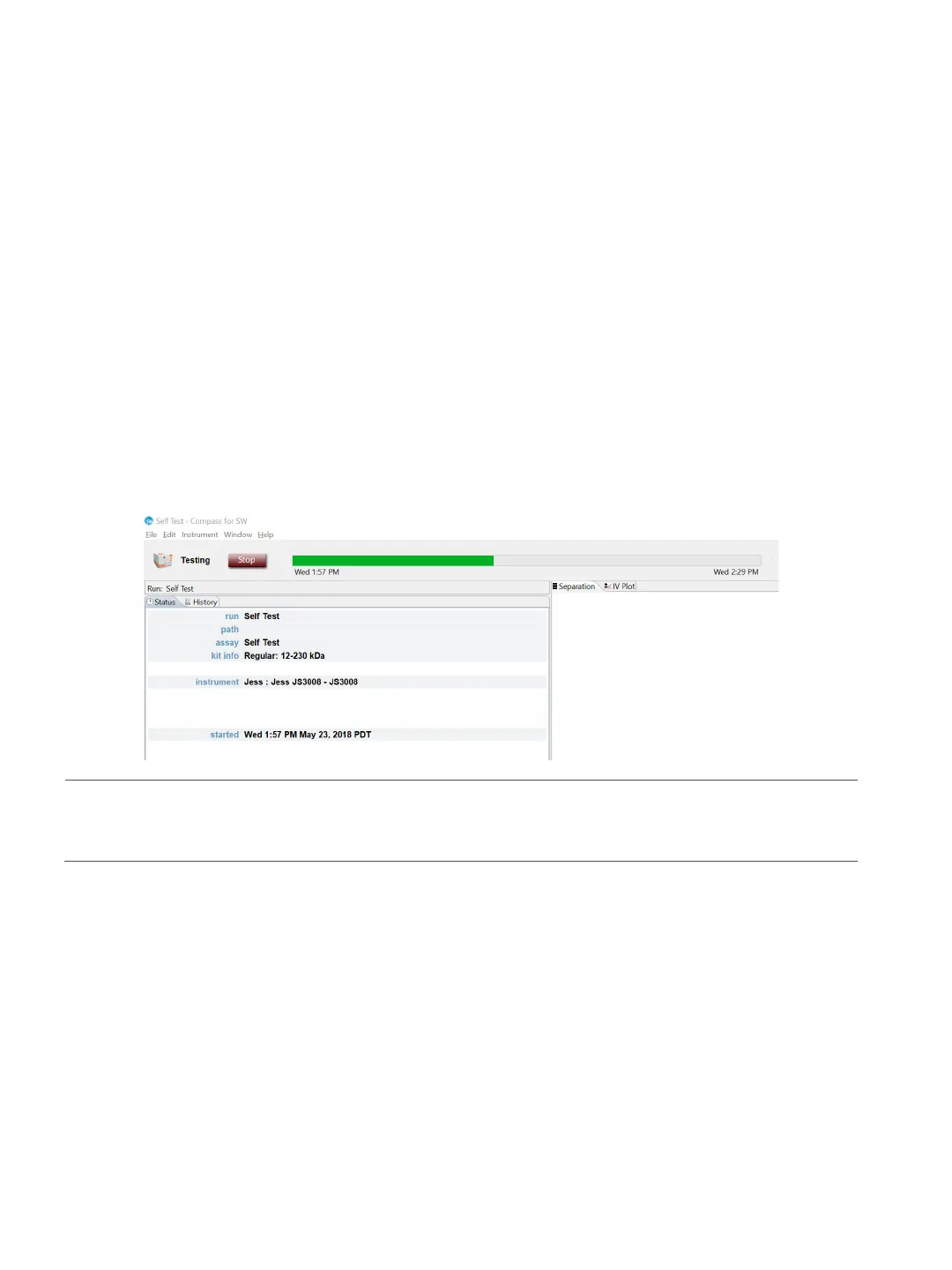
Jess can perform a set of self tests to make sure she’s operating properly. To start the testing, select
Instrument in the main menu and click Self Test. Testing will take about 30 minutes.
NOTE: We recommend running the self test before you begin preparing your samples, reagents and the
assay plate.
To view the log when the test is done, select Instrument, click Properties and click Logs. Select the test log
you would like to view and click View.
To view the self test results click Report.
Viewing and Changing System Properties
From the Compass for Simple Western main menu, select Instrument and click Properties to see Jess’s sys-
tem properties:
•Name


 To Next Page