Software Updates page 27
User Guide for Jess
Software Updates
To check for software updates, go to Compass for Simple Western, select Help in the main menu and click
Check for Updates.
Instrument Software (Embedded) Updates
To view the version installed, open Compass for Simple Western, select Instrument in the main menu, then
click Properties. The current version of system software will be displayed.
To check for embedded updates, go to Compass for Simple Western, select Instrument in the main menu,
then Update and select Network. If you are not on the network, contact ProteinSimple Technical Support
for assistance on how to obtain the latest update.
Maintenance
Daily
The following cleaning procedures should be performed on a daily basis.
Clean the Cartridge
• For Capillary Cartridge: Dispose of the used capillary cartridge and sample plate after each run.
• For Blot Cartridge: Use a lint-free cloth and wipe down the glossy surface to prevent image artifacts.
Also be sure to wipe down the black door liner prior to use to prevent image artifacts and high back-
ground.
Clean the Door Liner
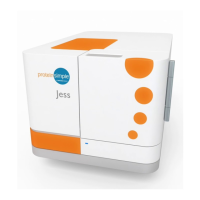
The door liner must be cleaned before every run with Jess to avoid fluorescence of contaminants during
image capture.
1. Open Jess' door to reveal the door liner (glossy black finish area behind the door).


 To Next Page