i
t+ ( )MPLT\ 3-q) b,>,4c Pa;e 14 Tluu.da_ Febtuat_ I(, 2€)))(, *J 44 \M _'" _'_
., - . # ..£.>,
+ +
Using the Remote Control
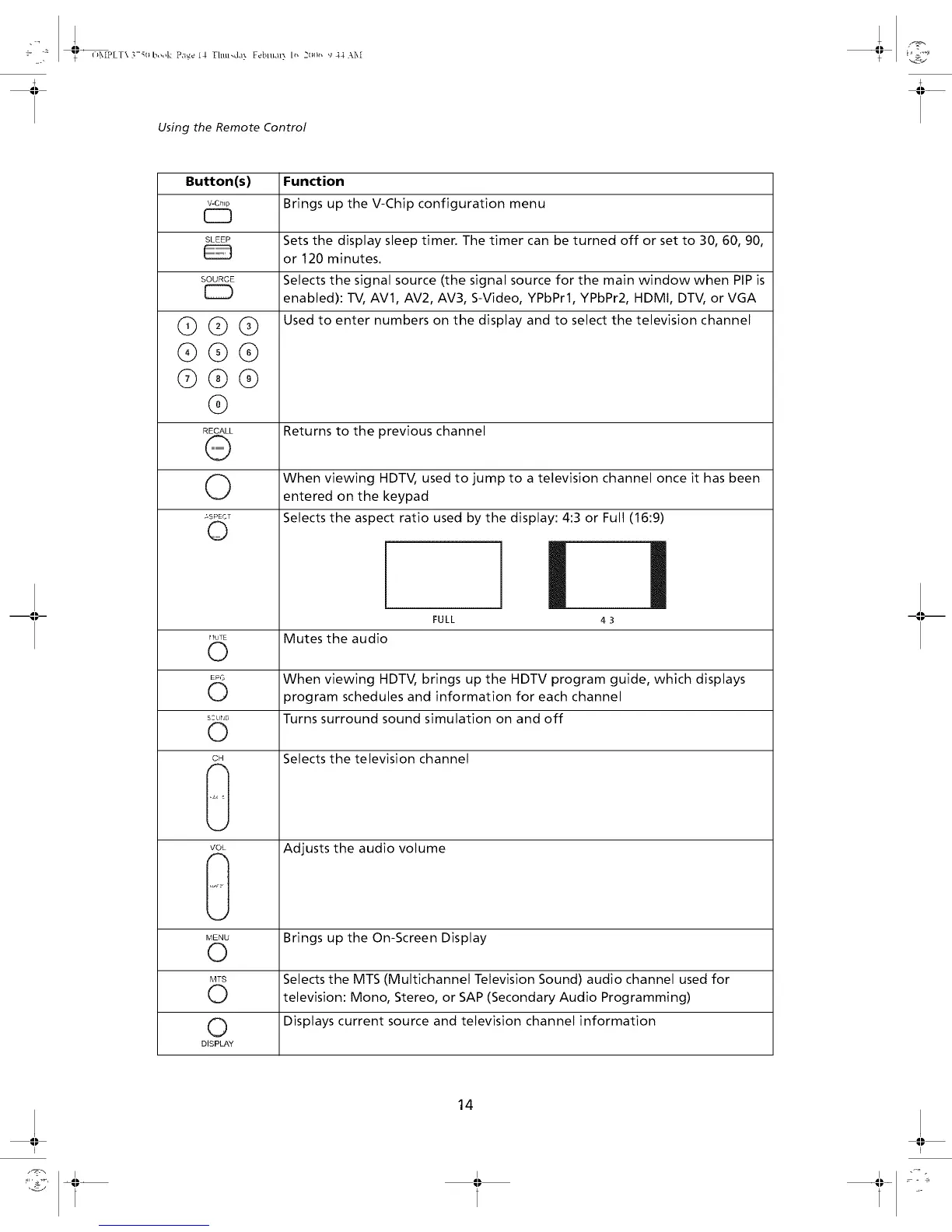
Button(s) Function
v-c,,p Brings up the V-Chip configuration menu
CZ3
SLEEP Sets the display sleep timer. The timer can be turned off or set to 30, 60, 90,
or 120 minutes.
SOURCE Selects the signal source (the signal source for the main window when PIP is
[_) enabled): TV, AV1, AV2, AV3, S-Video, YPbPrl, YPbPr2, HDMI, DTV, or VGA
Used to enter numbers on the display and to select the television channel
@@@
®@@
@®@
@
RECALL
@
©
_SPECT
©
Returns to the previous channel
When viewing HDTV, used to jump to a television channel once it has been
entered on the keypad
Selects the aspect ratio used by the display: 4:3 or Full (16:9)
i i
43
FULL
flUTE Mutes the audio
0
EP,s When viewing HDTV, brings up the HDTV program guide, which displays
k._ program schedules and information for each channel
s:L,,0 Turns surround sound simulation on and off
©
cH Selects the television channel
VOL
Adjusts the audio volume
MENU Brings up the On-Screen Display
O
MTS Selects the MTS (Multichannel Television Sound) audio channel used for
O television: Mono, Stereo, or SAP (Secondary Audio Programming)
0 Displays current source and television channel information
DISPLAY
14
I I



 To Next Page