£
1+ ( )MPLT\ 3-q) b,>,4c Pa;e 2 Thul.d.,_ Feblu.u_ l(, 2€)))(, 9 44 \M _'" _'_
_., - - # -.d_-y
+ +
Unpacking Your New Display
Before using your new display, you should unpack the contents of the box and check to make
sure everything is present and undamaged.
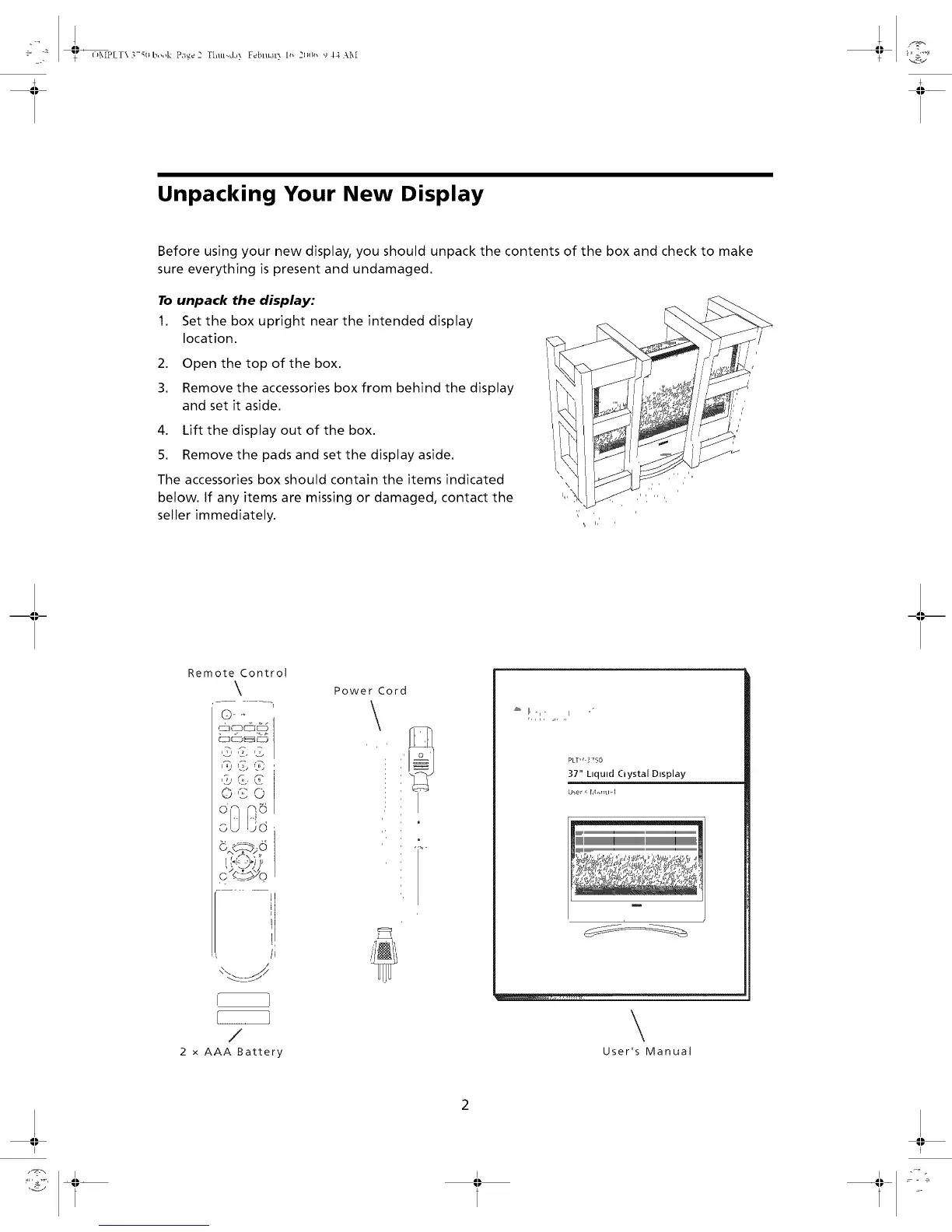
To unpack the display:
1. Set the box upright near the intended display
location.
2. Open the top of the box.
3. Remove the accessories box from behind the display
and set it aside.
4. Lift the display out of the box.
5. Remove the pads and set the display aside.
The accessories box should contain the items indicated
below. If any items are missing or damaged, contact the
seller immediately.
',,' ,
,i, h'
Remote Control
\
.... "1
'_"'4, "_
0 '_2 0
A
lu_¢o)#
c,q: "--">>'o
h
/
I
/
2 x AAA Battery
Power Cord
\
_' [I, -,_ ,,°
r,,, ....
PLT" 3350
37" Ltqutd Ciystal Dtsplay
U_er, r,,l_rl_l-I
\
User's Manual
I I


 To Next Page