+ +
Setting Up the Dtsplay
Connecting to a Video Input System
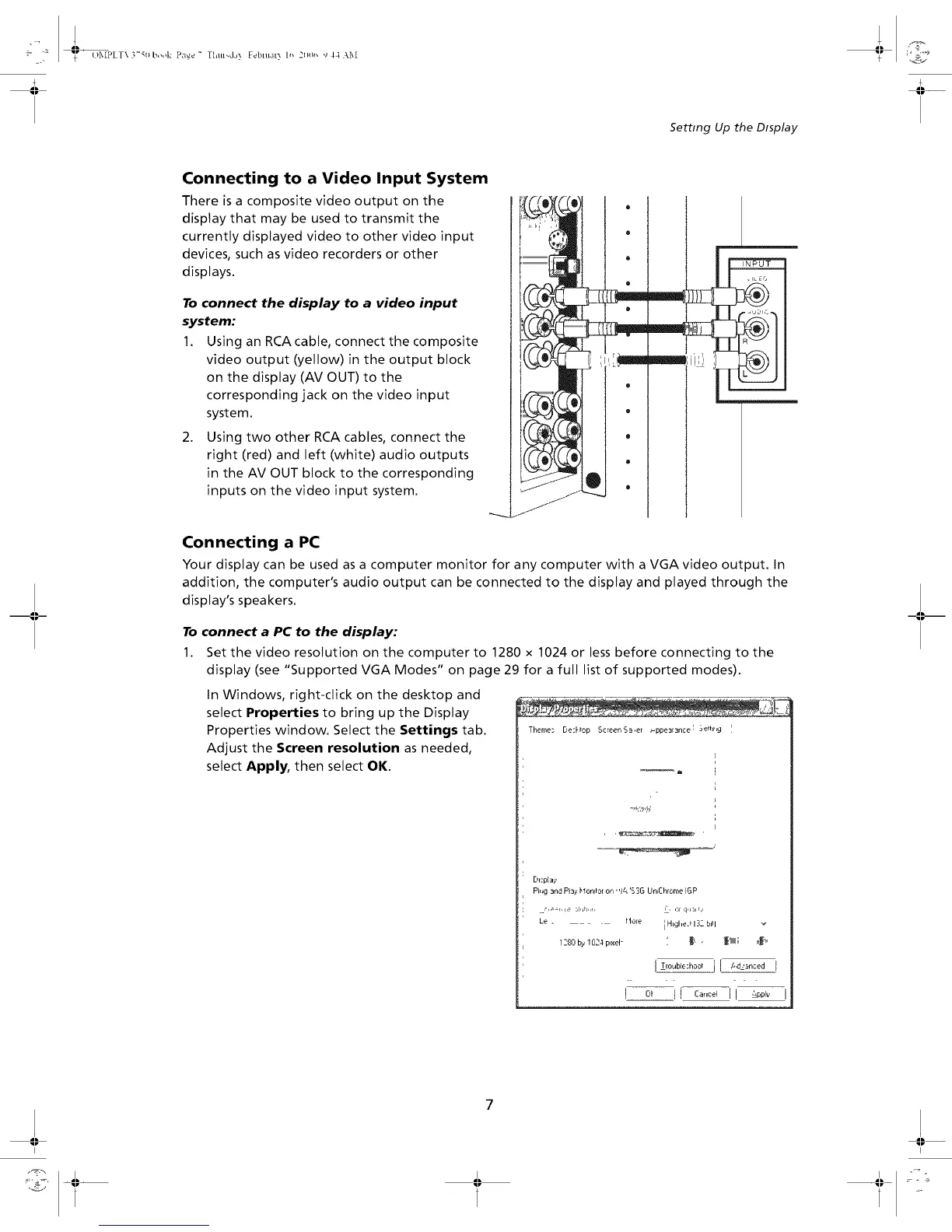
There is a composite video output on the
display that may be used to transmit the
currently displayed video to other video input
devices, such as video recorders or other
displays.
To connect the display to a video input
system:
1. Using an RCAcable, connect the composite
video output (yellow) in the output block
on the display (AV OUT) to the
corresponding jack on the video input
system.
2. Using two other RCA cables, connect the
right (red) and left (white) audio outputs
in the AV OUT block to the corresponding
inputs on the video input system.
Connecting a PC
Your display can be used as a computer monitor for any computer with a VGA video output. In
addition, the computer's audio output can be connected to the display and played through the
display's speakers.
To connect a PC to the display:
1. Set the video resolution on the computer to 1280 x 1024 or less before connecting to the
display (see "Supported VGA Modes" on page 29 for a full list of supported modes).
In Windows, right-click on the desktop and
select Properties to bring up the Display
Properties window. Select the Settings tab.
Adjust the Screen resolution as needed,
select Apply, then select OK.
Theme; De:Hop ScreenS_.e[ _ppe3r3nce I 3e,]r[g '
Pl,_g _nd PI_>,blonlt0[ on' ']q 'S3G Un,Chrome IGP
.',_=r. le .luh..r.
Le . _lo[e
]280 b_.1024 p_xel-
F, ,:,r q, __i r,,
i HigheJ 132bkll
• _(_, _Illlllll; ,,,_,,,
I Trouble;hc,,_l_ 1[ #d.zancea I
I I


 To Next Page