7
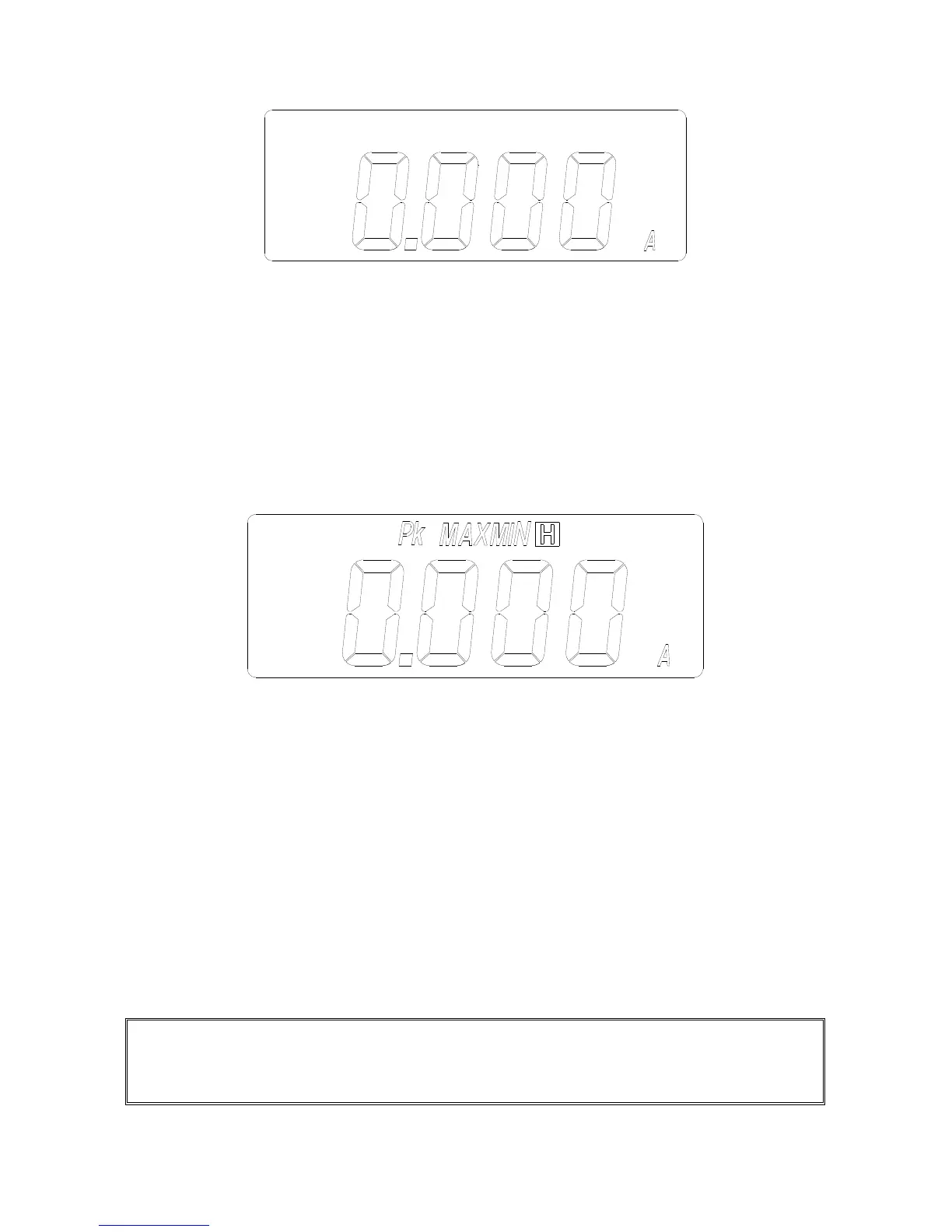
a. Set the rotary switch at mA or A depending on the range of AC current.
Then select the correct frequency by moving the sliding switch at the side
of the tester.
b. Press the trigger to open the jaw and fully enclose the conductor to be
measured.
c. Read the measured value from the LCD display.
III.1.2. HOLD, MAX, MIN and PEAK of AC Current.
a. Set the rotary switch at mA or A depending on the range of AC current.
Then select the correct frequency by moving the sliding switch at the side
of the tester.
b. Press the trigger to open the jaw and fully enclose the conductor to be
measured.
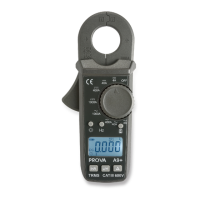
c. The measured value from the LCD display. If the
▼
button is pressed,
the symbol of “HOLD”, “MAX”, “MIN” or “PEAK” will be shown in LCD
alternatively. And the value of the HOLD, MAX, MIN or PEAK function will
be displayed in LCD alternatively.
d. To return to the display of current measurement, hold the
▼
button for
more than 2 seconds.
NOTE: The PEAK function displays the maximum value of a AC periodic
waveform. The sampling time for the PEAK function is 39 μs (50Hz) or 33μs
(60Hz). The HOLD, MAX, or MIN function displays the true RMS value.


 To Next Page