10
III.1.6. Crest Factor (C.F.)
a. Set the rotary switch at the position of “mA” or “A” depending on the range
of AC current. Then select the right frequency by moving the sliding switch
at the side of the tester.
b. Press the trigger to open the jaw and fully enclose the conductor to be
measured.
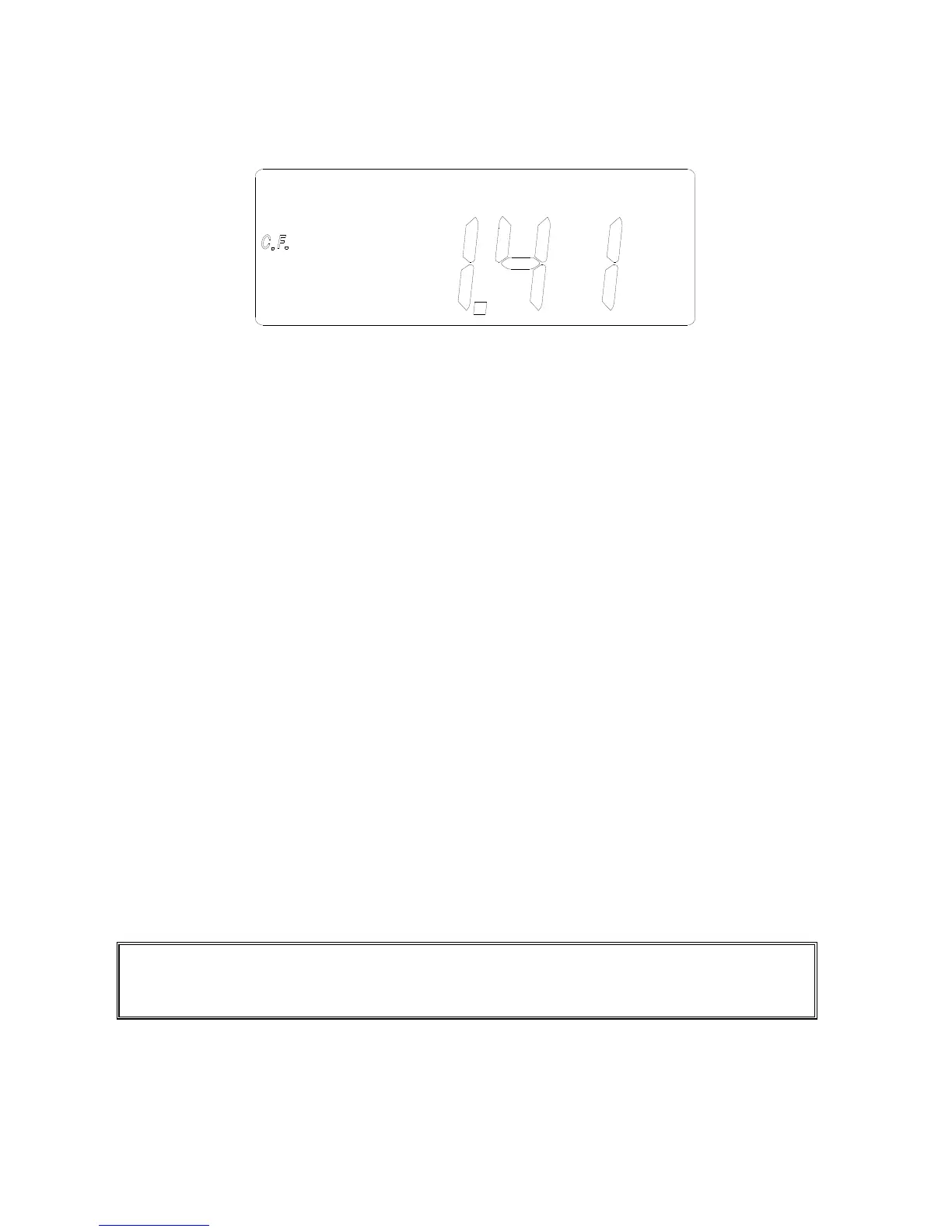
c. Press the FUNC button four times. The symbol of C.F. will be shown in
LCD. The crest factor (C.F.) will be measured and displayed. The crest
factor (CF) is defined as following:
C.F. = (peak value) / (RMS value)
III.1.7 Frequency of AC Current
a. Set the rotary switch at the position of “mA” or “A” depending on the range
of AC current.
b. Press the trigger to open the jaw and fully enclose the conductor to be
measured.
c. Press the FUNC button five times. The symbol of Hz will be shown in
LCD.
d. The frequency of AC current will be measured and shown in LCD. If the
frequency is less than 40 Hz, 0 Hz will be shown in LCD. If the frequency
is greater than 65 Hz, OL Hz will be shown in LCD.
NOTE: In the mA range, the AC current must be greater than 10mA for frequency
measurement. In the A range, the AC current must be greater than 1A for
frequency measurement.


 To Next Page