13
III.2.3. Harmonics of AC Voltage in Magnitude (V)
a. Set the rotary switch at position V. Then select the correct fundamental
frequency by moving the sliding switch at the side of the tester.
b. Insert the test leads into the input jack. Connect the test prods of the test
leads in PARALLEL to the circuit to be measured.
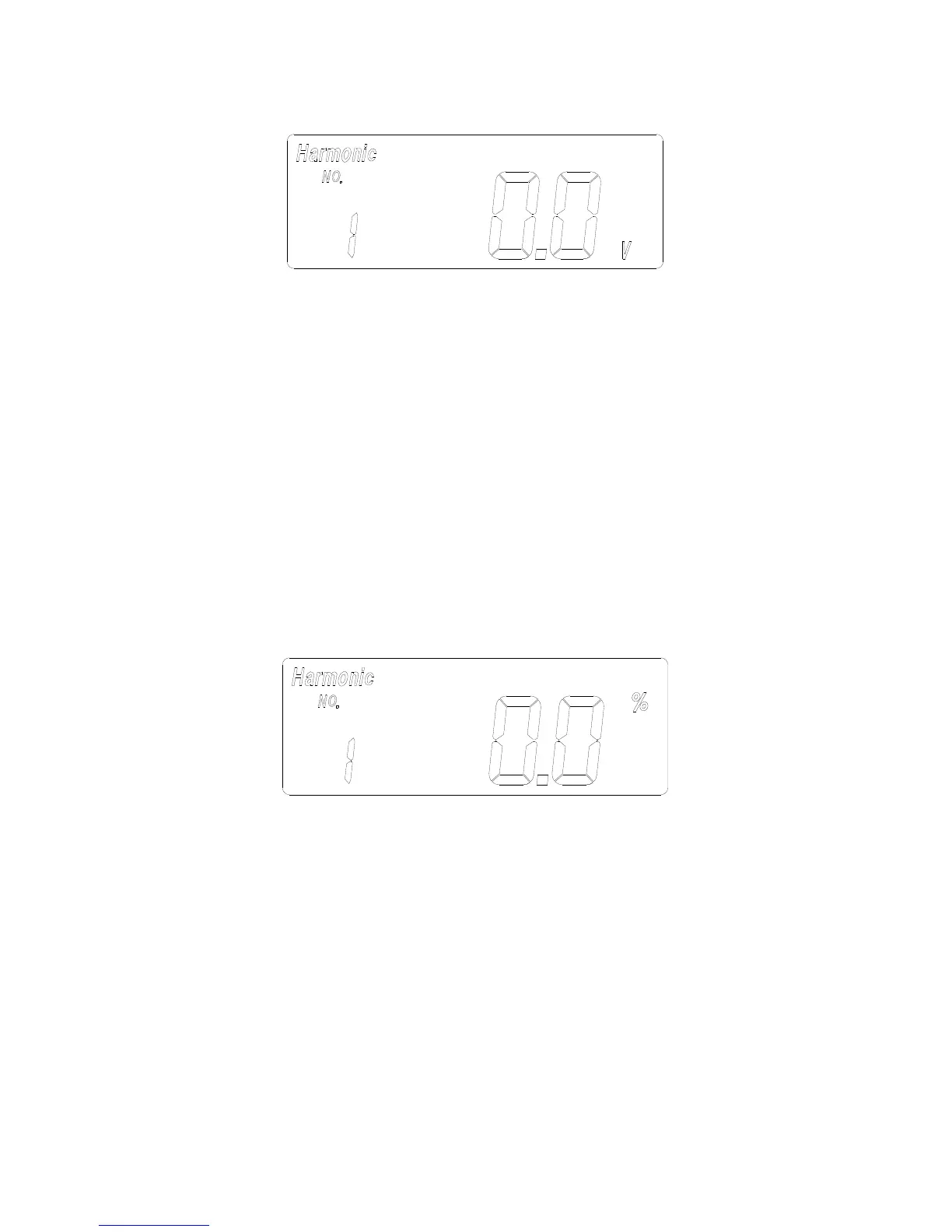
c. Press the FUNC button once. The symbols of “Harmonic” and “NO” will
be shown in LCD. The n-th order (1 to 99) will be shown in front of the
reading of the reading of the magnitude (V) of the voltage.
d. Press the
▲
or
▼
button to increment or decrement the order of
harmonics in front of the reading. The number will roll over when the
maximum (99) or minimum (1) is reached.
III.2.4. Harmonics of AC Voltage in Percentage (%)
a. Set the rotary switch at position V. Then select the correct fundamental
frequency by moving the sliding switch at the side of the tester.
b. Insert the test leads into the input jack. Connect the test prods of the test
leads in PARALLEL to the circuit to be measured.
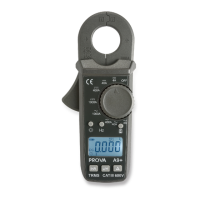
c. Press the FUNC button twice. The symbols of “Harmonic” and “NO” will
be shown in LCD. The n-th order (1 to 99) will be shown in front of the
reading of the percentage (%) of the voltage.
d. Press the
▲
or
▼
button to increment or decrement the order of
harmonics in front of the reading. The number will roll over when the
maximum (99) or minimum (1) is reached.


 To Next Page