18
III.3.3. Power Factor (PF), and Phase Angle (Φ)
a. Connect the test leads to the voltage source in parallel with the load.
b. Clamp on one of the wire to the load. The current should flow from the front of
the tester to the side of the battery cover.
c. Select proper Watt range (W-mA or W-A).
d. The value of mW, W, or KW will be displayed in LCD. The unit of watt is
automatically scaled.
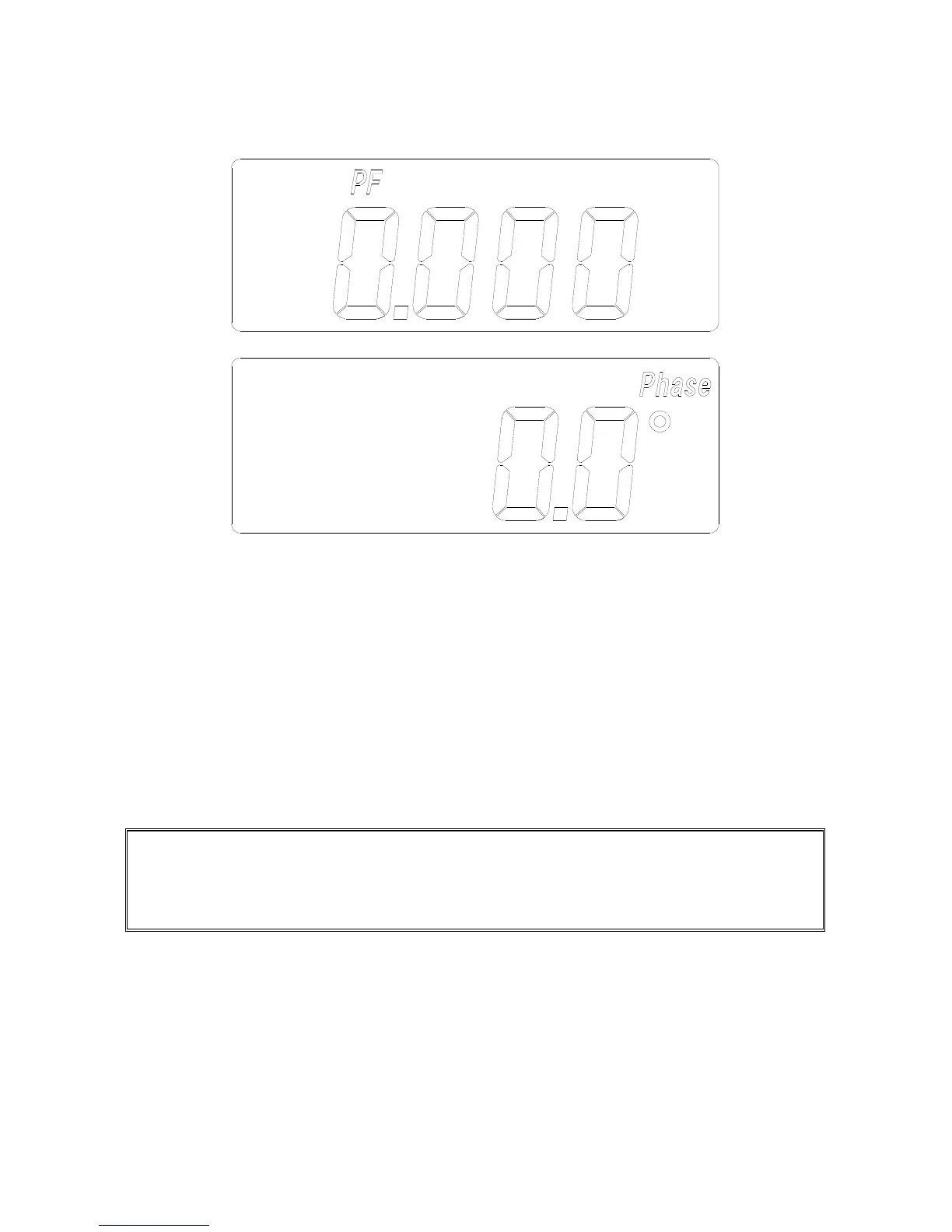
e. Press the FUNC button three times to display PF from 0.000 to 1.000.
f. Press the FUNC button four times to display phase angle (Φ) from –180° to
+180°.
NOTE: To display phase angle (Φ) from 0 to 360, hold the
▲
button, then turn the
power on. Once the tester is turned on in this way, the tester will display phase
angle from 0 to 360° (when phase angle function is selected).


 To Next Page