Hardware Overview and Installation
ORiNOCO
®
802.11n & 802.11ac Access Points - Hardware Installation Guide 12
2.2.2 System Requirements
Following are the minimum system requirements to use the device:
1. Any 802.11 compliant wireless adapter.
2. A computer that is connected to the same IP network as the AP and has one of the following installed:
— Web Browser
—Telnet
— RS-232 Serial Port
— MIB Browser
— Ethernet NIC Card
3. Ethernet switch, cross-over or straight Ethernet cable.
4. A 5V DC Power Adapter or a Power over Ethernet (PoE) Adapter
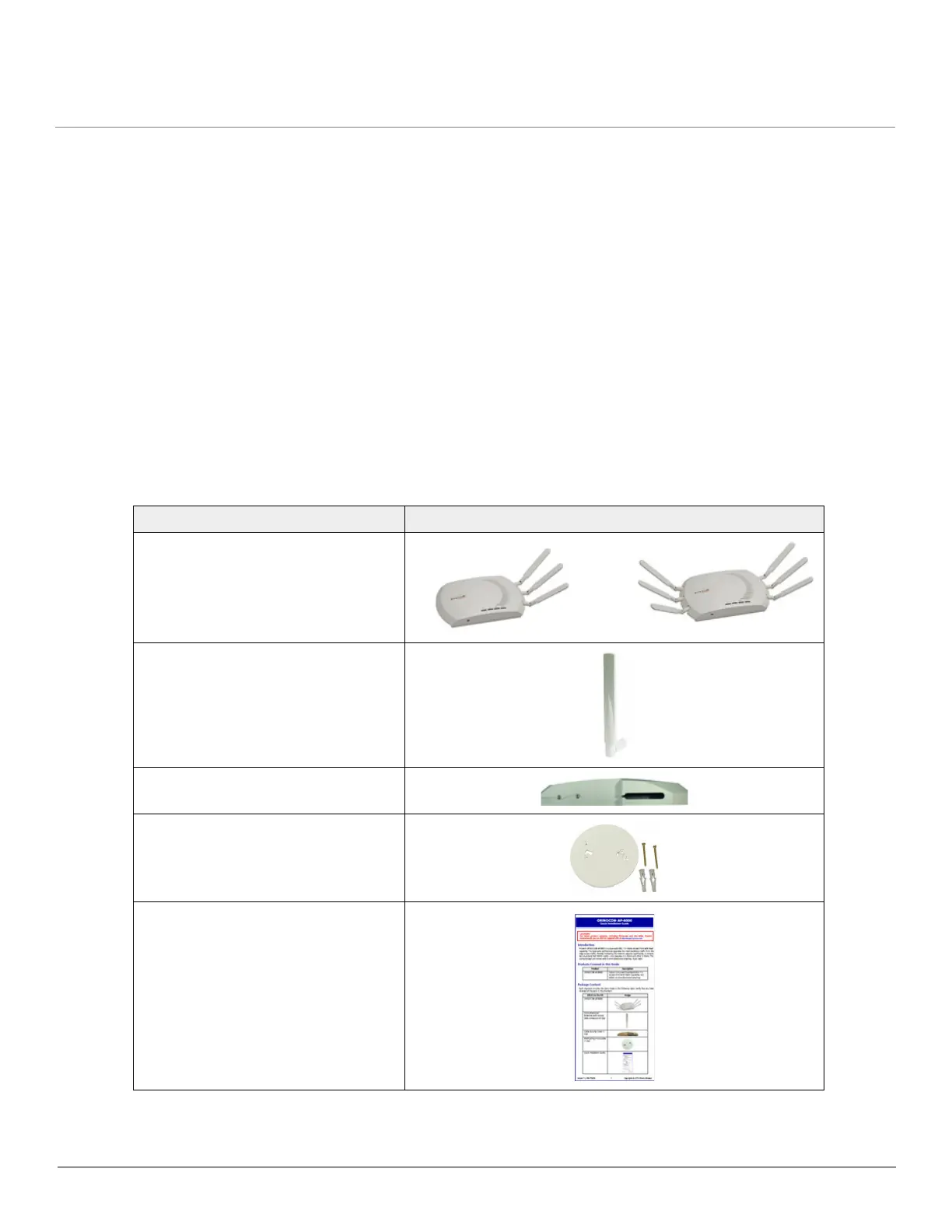
2.2.3 Product Package
Each shipment includes the items listed in the following table. Please verify that you have received all the parts in the
shipment, prior to the installation.
What’s in the Kit Image
ORiNOCO
®
AP-800 or AP-8000
Omni-directional Antennas with
reverse SMA connectors.
• AP-800: Quantity - 3
• AP-8000: Quantity - 6
Cable Security Cover
Mounting Kit
Quick Installation Guide (QIG)



 To Next Page
 Loading...








