ORiNOCO
®
802.11n Access Points - Software Management Guide 6
Device Naming Conventions
Icon Representation
Related Documents
For more information, please refer to the following additional documents that are available at the Proxim’s support site
http://support.proxim.com.
• Quick Installation Guide (QIG): A quick reference guide that provides essential information to install and configure
the device.
• Hardware Installation Guide: A guide that provides a hardware overview and details the installation procedures and
hardware specifications of ORiNOCO
®
802.11n Access Points.
• Reference Guide: A guide that provides essential information on how to configure, manage and monitor the device
by using Command Line Interface.
• Safety and Regulatory Compliance Guide: A guide that provides essential information on country specific safety
and regulatory norms, to be followed while installing the device.
Naming Convention Description
AP Device Refers to any ORiNOCO
®
802.11n AP device
(AP-800 / AP-8000 / AP-8100)
AP-800 Refers to the ORiNOCO
®
AP-800 device
AP-8000 Refers to the ORiNOCO
®
AP-8000 device
AP-8100 Refers to the ORiNOCO
®
AP-8100 device
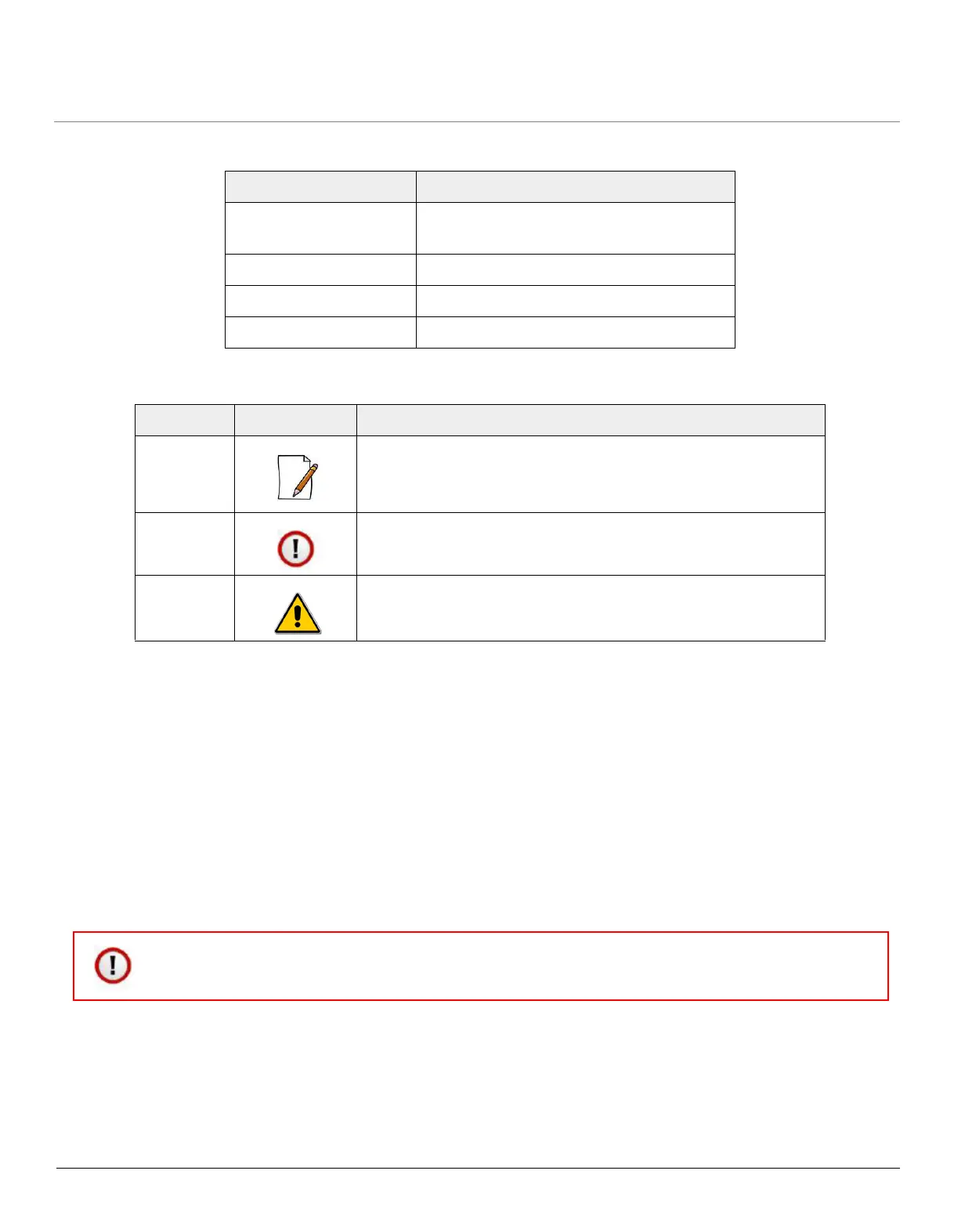
Name Image Meaning
Note A special instruction that draws the attention of the user.
Important A note of significant importance, that a user should be aware of.
Caution A warning, that cautions the user of the possible danger.
: Proxim recommends you to visit its support site http://support.proxim.com for regulatory information
and latest product updates.



 To Next Page
 Loading...








