ORiNOCO
®
802.11n Access Points - Software Management Guide 123
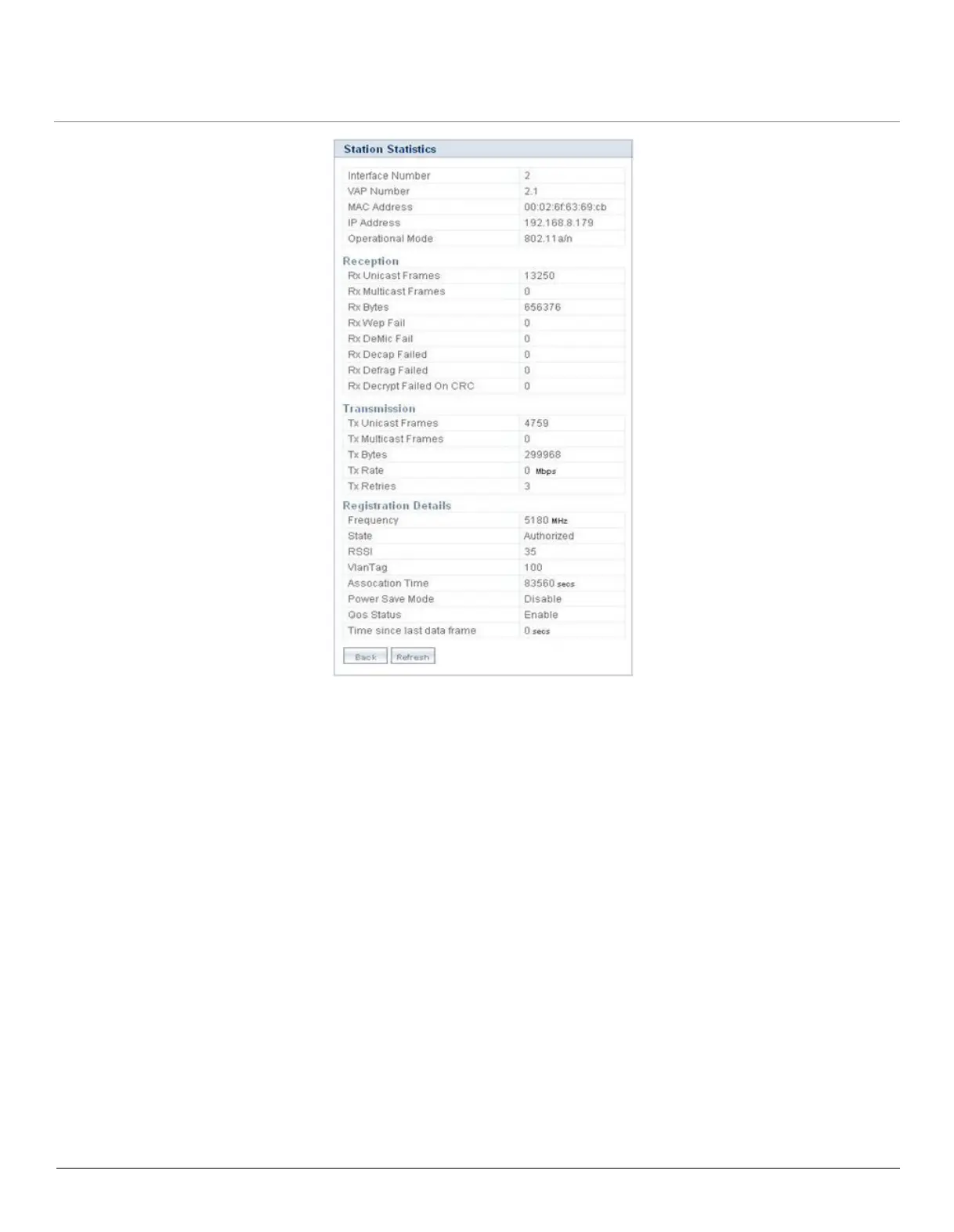
Figure 7-4 Station Statistics - Edit
Click Refresh, to view the updated Station Statistics.
7.3 Rogue Scan Statistics
Rogue Scan allows you to monitor all the wireless devices (AP/STA/WDS/ADHOC) and rogue AP devices detected, within the
vicinity of your device. It provides with the statistics of all the devices detected under Current Channel Scan Mode or All
Channel Scan Mode. Depending on the device type (AP, STA, Adhoc, WDS and Other devices) selected from the drop down
menu, the Rogue Scan Statistics are displayed.
To view, navigate to MONITOR > Rogue Scan > Interface 1. The Rogue Scan Statistics screen appears.



 To Next Page
 Loading...








