Chapter 8: Troubleshooting And Tips
Tips When Installing ActiveSync
122
Psion Teklogix NETBOOK PRO User Manual
8.2.1 Tips When Installing ActiveSync
Close any other programs that are running. This includes virus checkers, uninstall-
ers, floating toolbars etc. If you need to re-install ActiveSync, make sure you unin-
stall the previous version first.
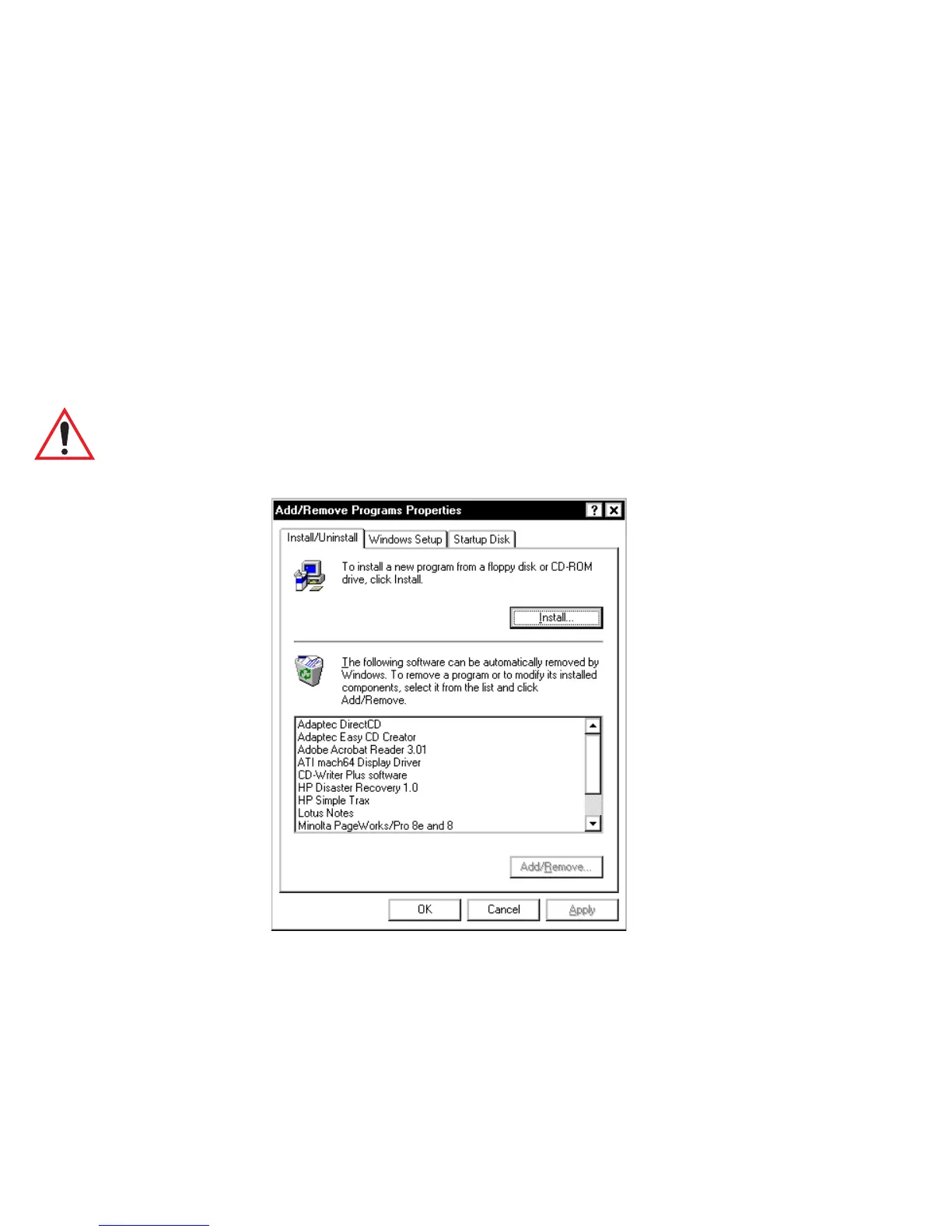
1. Click on the Start button and select Settings, then Control Panel.
2. Double click the Add/Remove Programs icon. Select ActiveSync in
the list and then click the Add/Remove button.
Important: You must re-start your PC before re-installing ActiveSync or you
will experience problems.
.
8.2.2 Basic Troubleshooting For Your NETBOOK PRO
1. Close down all applications. To see all active programs, look on the
taskbar. Each program running will have a button. The programs can be
activated then closed normally, or if necessary, you can right-click on
the program’s taskbar button and choose Close from the context menu.



 To Next Page