Psion Teklogix NETBOOK PRO User Manual 27
Chapter 2: Getting Started
Memory Cards
2.6 Memory Cards
The NETBOOK PRO accepts non-volatile memory cards, which fit into dedicated
slots in the unit and can be used to store application software and/or data. The
NETBOOK PRO accepts the following types of memory cards:
• Compact Flash (CF) cards.
• MultiMedia Cards (MMCs).
• Secure Digital (SD) cards.
• PCMCIA cards.
Each memory card appears as a separate folder in the file browser. See section 5.11
on page 71.
2.6.1 Inserting And Removing An MMC Or SD Card
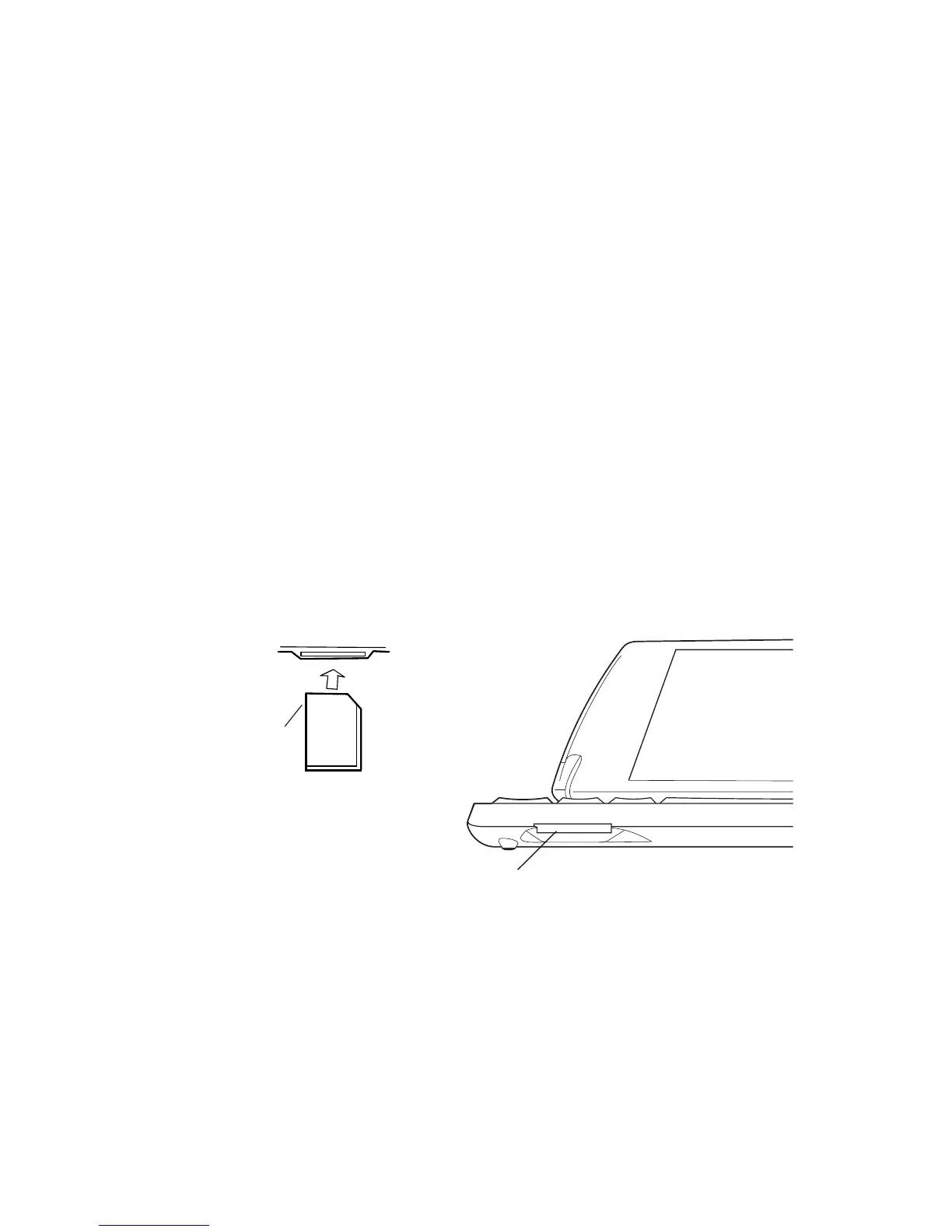
The MMC/SDCard/SDIO slot is located on the lower front of the NETBOOK PRO
(see Figure 2.17).
Figure 2.17 MMC/SDCard/SDIO Slot Location
MMC cards are keyed so that they may not be inserted incorrectly (SD cards cannot
be inserted incorrectly). When a memory card is inserted, a folder for it appears in
the Windows Explorer file browser.
MMC/SDCard/SDIO Slot
Contacts On
Other Side



 To Next Page