Psion Teklogix NETBOOK PRO User Manual 43
Chapter 3: The Keyboard
International Keyboards
3.4 International Keyboards
The NETBOOK PRO keyboard is available in a number of language layouts, as
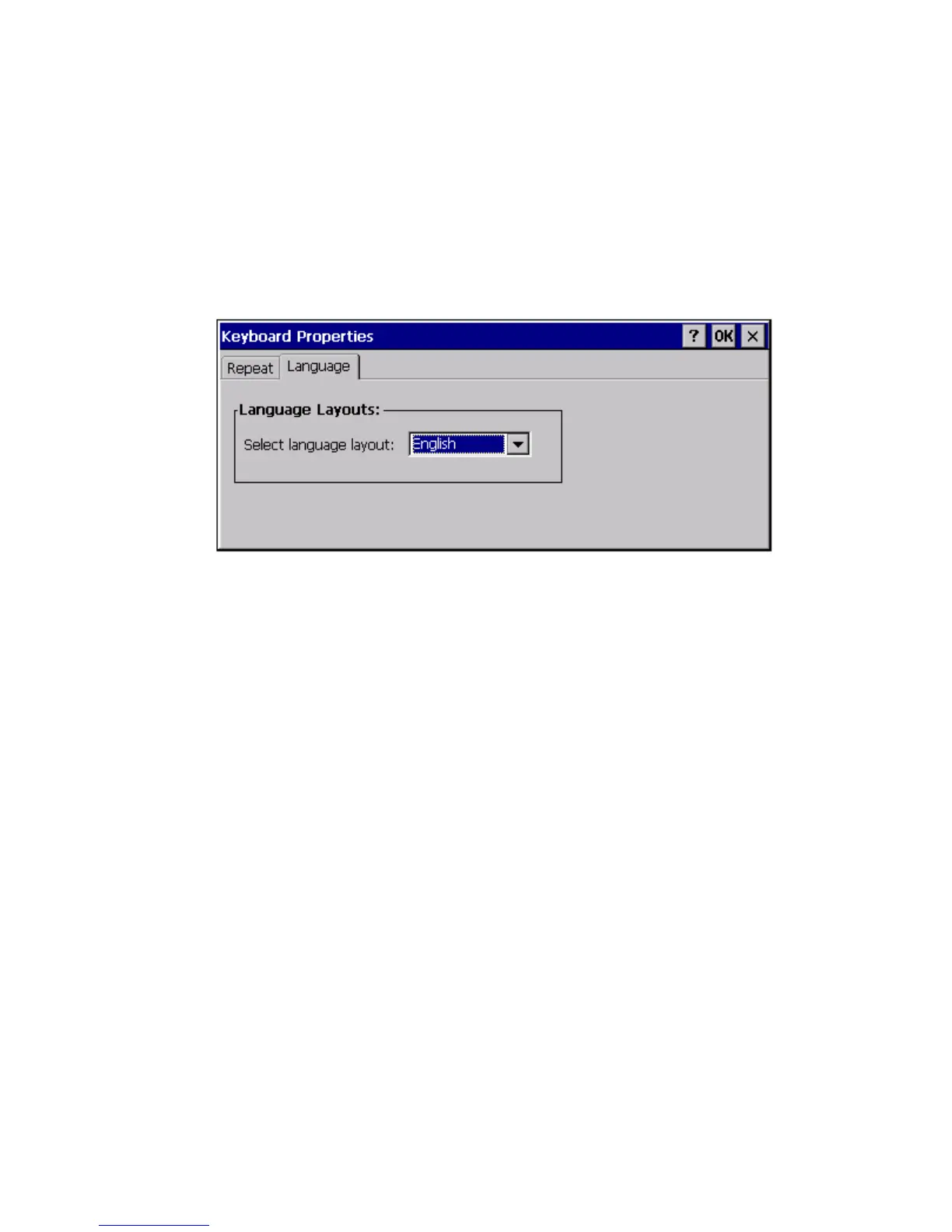
shown on pages 44 to 48. The language in use must be properly configured by going
to Start/Settings/Control Panel/Keyboard. Select the appropriate language from the
dropdown list under the Language tab, and press OK.
You should also configure the properties in Start/Settings/Control Panel/Regional
Settings for your language and region.
3.4.1 Specialized Accent Keys
Accent keys (also known as “dead keys”) can be accessed by using the appropriate
<Fn> + alpha key combination.
For example, on the French and German keyboards, to produce the lowercase letter
“a” with a tilde “~” accent, the following keystroke combination is used:
Press <Fn> + <v> and release (enables the tilde dead key), then press <a>.
For an uppercase letter “A” with a tilde “~” accent:
First set the Caps Lock. Press <Fn> + <v> and release, then press <a>.
Pressing the space bar after a dead key causes the accent character alone to be
printed. Pressing a key that cannot receive the accent after the dead key prints the
accent followed by the key character (e.g. “~S”).



 To Next Page