Psion Teklogix NETBOOK PRO User Manual 129
Chapter 8: Troubleshooting And Tips
Other Things To Try
8.3.2 Other Things To Try
1. Delete and recreate your partnership in ActiveSync.
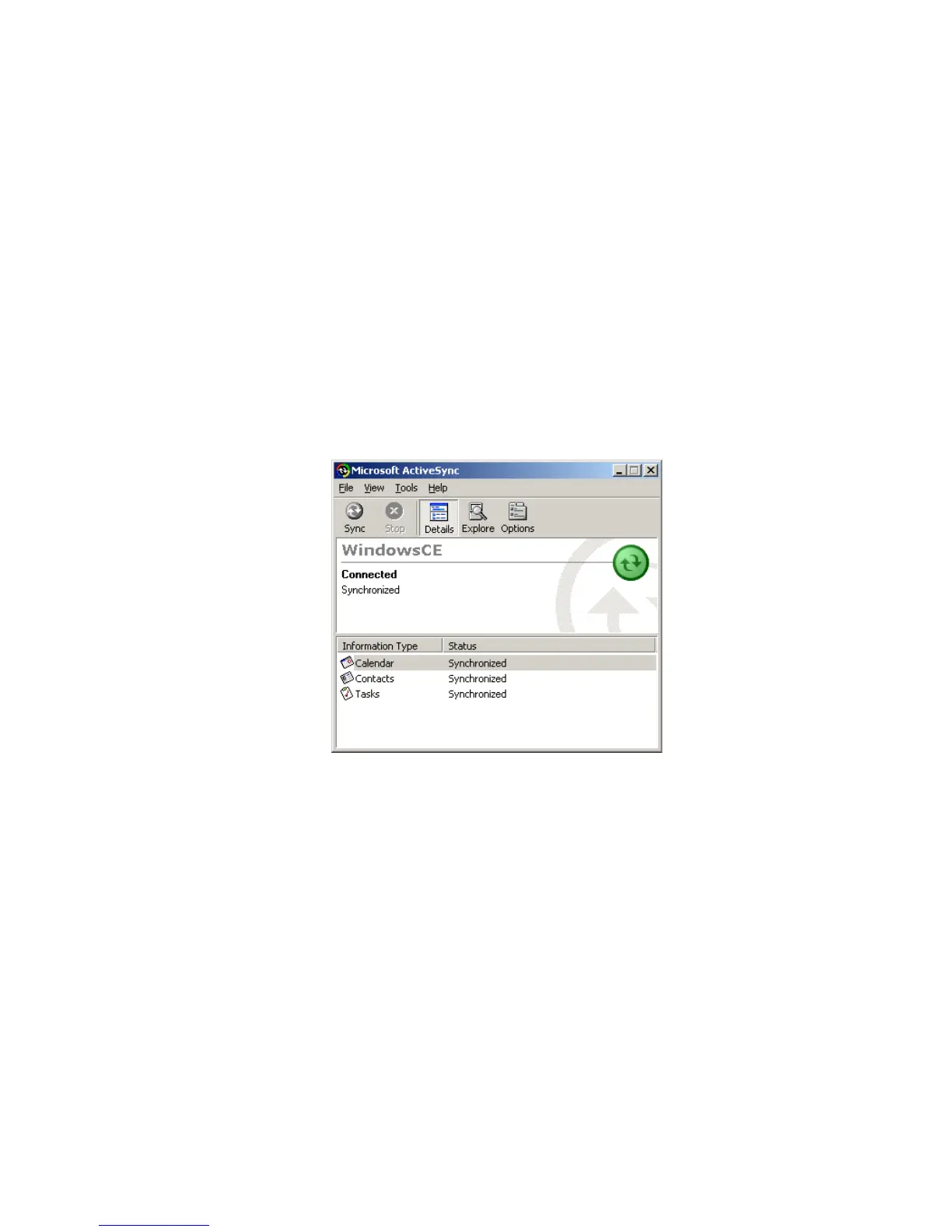
When ActiveSync connects to a machine using a partnership for the
first time, it uses the name “WindowsCE”. Every subsequent partner-
ship created after the first asks you to enter a name for that machine.
Partnerships register details about your NETBOOK PRO on your PC.
Sometimes this information can become corrupt.
• Open ActiveSync by double-clicking on the ActiveSync icon in the
PC’s system tray. This will bring up the ActiveSync dialogue.
• Click on the File menu and select Delete Partnership from the menu.
The Delete Partnership menu item will not be available if there are no
partnerships.
If you have deleted all the partnerships, the next time you connect your
NETBOOK PRO, the partnership will be created as “WindowsCE”.
2. Make a new backup and recreate any synchronizations.



 To Next Page