Chapter 2: Getting Started
Connecting USB Accessories
30
Psion Teklogix NETBOOK PRO User Manual
To remove a card:
• Press the eject button next to the slot (unfold first if it’s tucked away). The
card will pop loose, and can then be pulled outwards.
Store your PCMCIA card safely.
2.7 Connecting USB Accessories
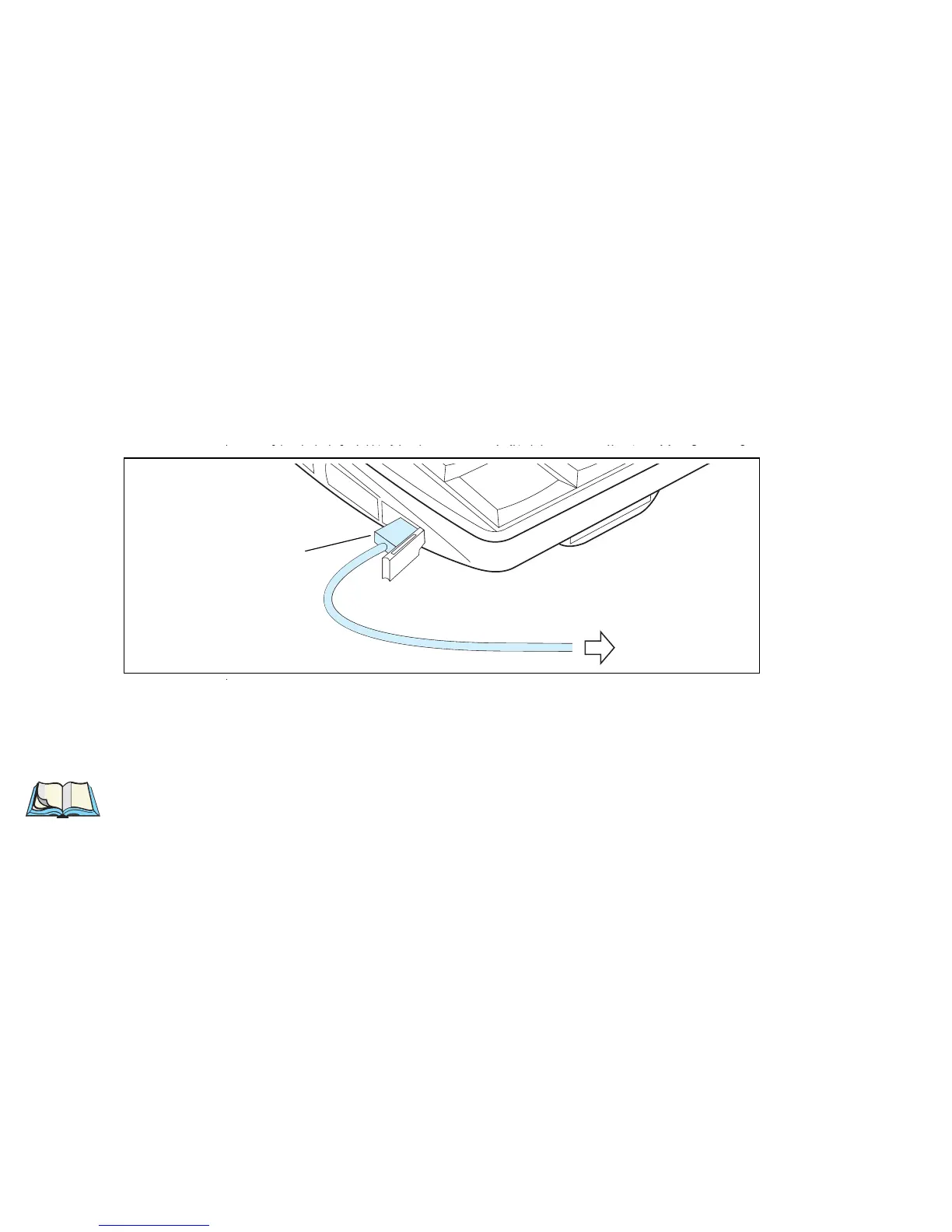
The NETBOOK PRO can accept USB accessories, such as a mouse, keyboard, or
printer. The NETBOOK PRO’s USB connector is located at the lower left side of
the computer:
To connect:
plug the accessory into the USB port. The NETBOOK PRO will search the
USB interface for the device.
Note: If the connected accessory requires drivers, they must be loaded through
ActiveSync or from a memory card before the accessory is connected.
To USB Peripheral
USB Mini Type-A Connector



 To Next Page