11984 Rev01 Page 12 of 15
3.1 Installation
Local, Cycle Mode Installation Testing
A local, cycle mode is provided by the Supervisor, which automatically cycles be-
tween 2 or 4 set points that are programmable by the user. This mode is called
cycle mode. The set points are stored in "Pres SP1", "Pres SP2", "Pres SP3" and
"Pres SP4". The following describes how to select and enable the cycle mode of
operation.
1. Scroll the menu to "Pres Sp1" through "Pres Sp4" and change the 4 set points to
the desired test values.
2. Scroll the menu to the set point mode, "StptMode" item and change the mode to
"Quad" or "Dual". "Quad" mode will cycle between all 4 set points. "Dual" mode
will cycle between "Pres Sp1" and "Pres Sp2".
3. To enable the cycle mode scroll to the "Cycle" menu item. Change the cycle
flag from "Disable" to "Enable". The cycle mode will now start.
4. Scroll to the cycle interval ("CyclItvl") menu item and change the time desig-
nation. The numeric field is in time units of seconds. A 30 indicates that each
set point will be active for 30 seconds, upon which time cycle mode will
advance to the next set point in order.
I Note: Be sure to reset all Supervisor Parameters to the Factory
Settings upon completion of the test (see section 7, page 4.)
*StptMode Single
SUN 00:00:00
Pres S 1700 Pres 1700
PRES
5080
0
"*" indicates the mode can be changed
new mode
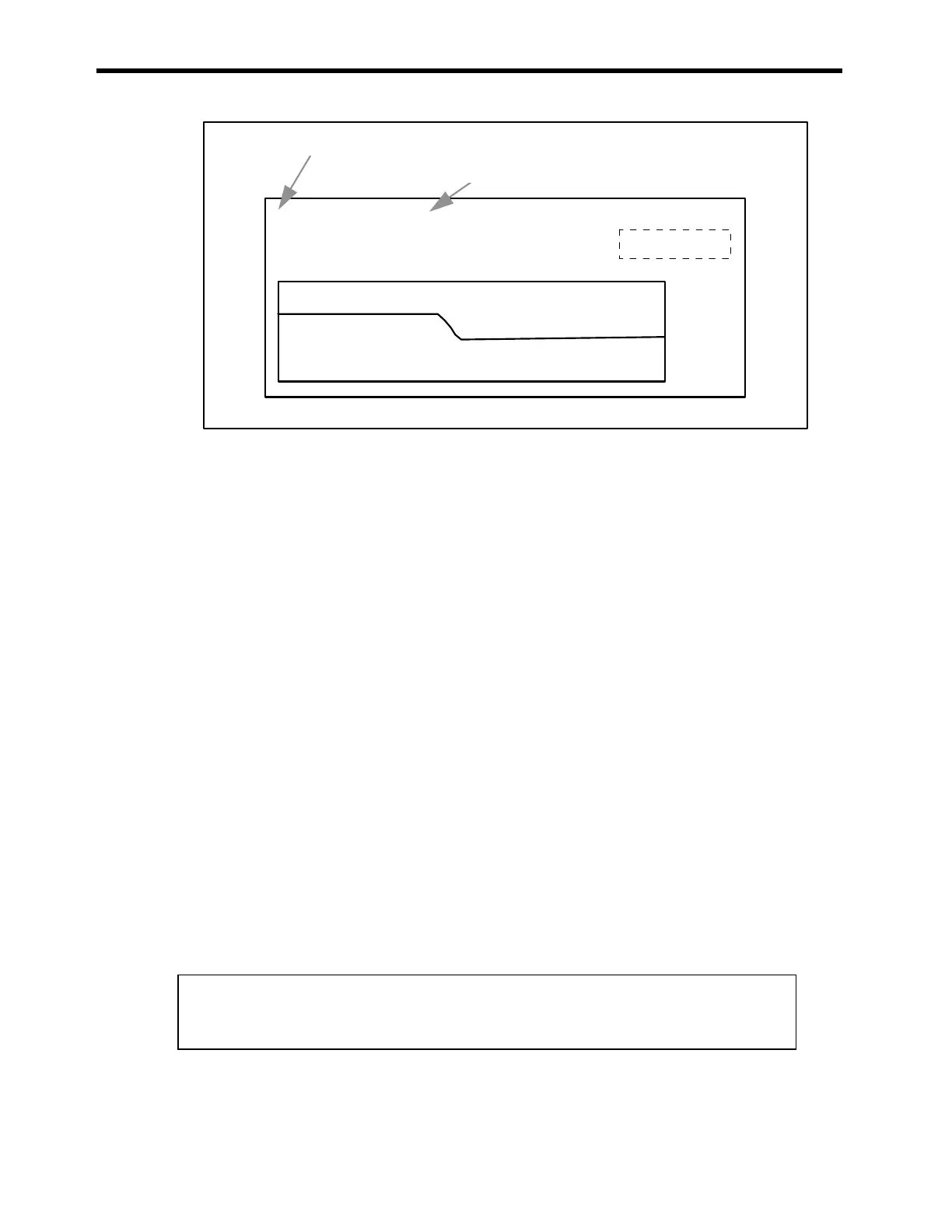
Figure 3-8: Changing the Set Point Mode on the SENTRY Supervisor



 To Next Page