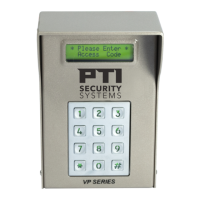
VP Keypad Access Device
19
rev. 7-2017 114A3868.E
4
Test for communications with the controller
- Power up the controller. The date and time at the controller
will automatically update on the keypad and appear in the
display. This verifies communications from the controller to
the keypad.
- Test communications from the keypad to the controller by
entering an access code into the keypad and pressing the
# key.
5
If the keypad display responds with anything other than
Please Wait before returning to the date and time, the
keypad has successfully communicated with the controller.
- If the keypad display
Please Wait then returns to
12:00 (the power-up default time), recheck the wiring,
baud rate settings, and address settings. Also ensure that
the controller is set to the correct number of remotes.


 To Next Page