EasyManua.ls Logo

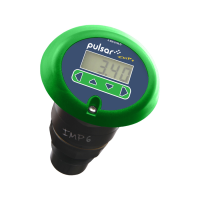
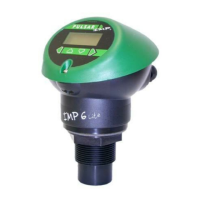
Pulsar Imp 6 - User Manual

Pulsar Imp 6
48 pages
Print Icon
To Next Page IconTo Next Page
Loading...
IMP+
IMP+IMP+
IMP+
INSTRUCTION MANUAL

Table of Contents

Questions and Answers

  • K
    kimberly95Aug 3, 2025
    What to do if my Pulsar Measuring Instruments display shows “L0E”?
    • H
      heatherfordAug 3, 2025
      If the display shows 'L0E', it indicates that no valid echo is being received, and the unit has entered a fault condition. Verify that the material level is within the measurable range of the sensor and ensure the sensor is positioned perpendicular to the material surface.

Summary

IMP+ Instruction Manual

Chapter 2: Installation

Chapter 3: Operating the IMP+

Parameter Defaults and Setup

Setting initial parameters and restoring factory defaults.

Chapter 4: Application Configuration

Setting Up Measurement Parameters

Configuring distance, span, and blanking for accurate measurement.

Output and Relay Configuration

Setting up the 4-20mA output and relay functions for alarms/control.

Chapter 5: Parameter Reference

Application (APP) Menu Parameters

Settings for mode, units, distance, and default values.

Relay (rL) Menu Parameters

Configuration of relay types, functions, and alarm/control setpoints.

Volume (UoL) Menu Parameters

Settings for vessel shape, dimensions, and volume calculation units.

Chapter 6: Troubleshooting

Pulsar Imp 6 Specifications

General IconGeneral
BrandPulsar
ModelImp 6
CategoryMeasuring Instruments
LanguageEnglish

Related product manuals