© 2017 Pulse Secure, LLC. All rights reserved
SATA Drives
The system uses hot swappable SATA drives.
There are two drives:
•
HDD1
•
HDD2
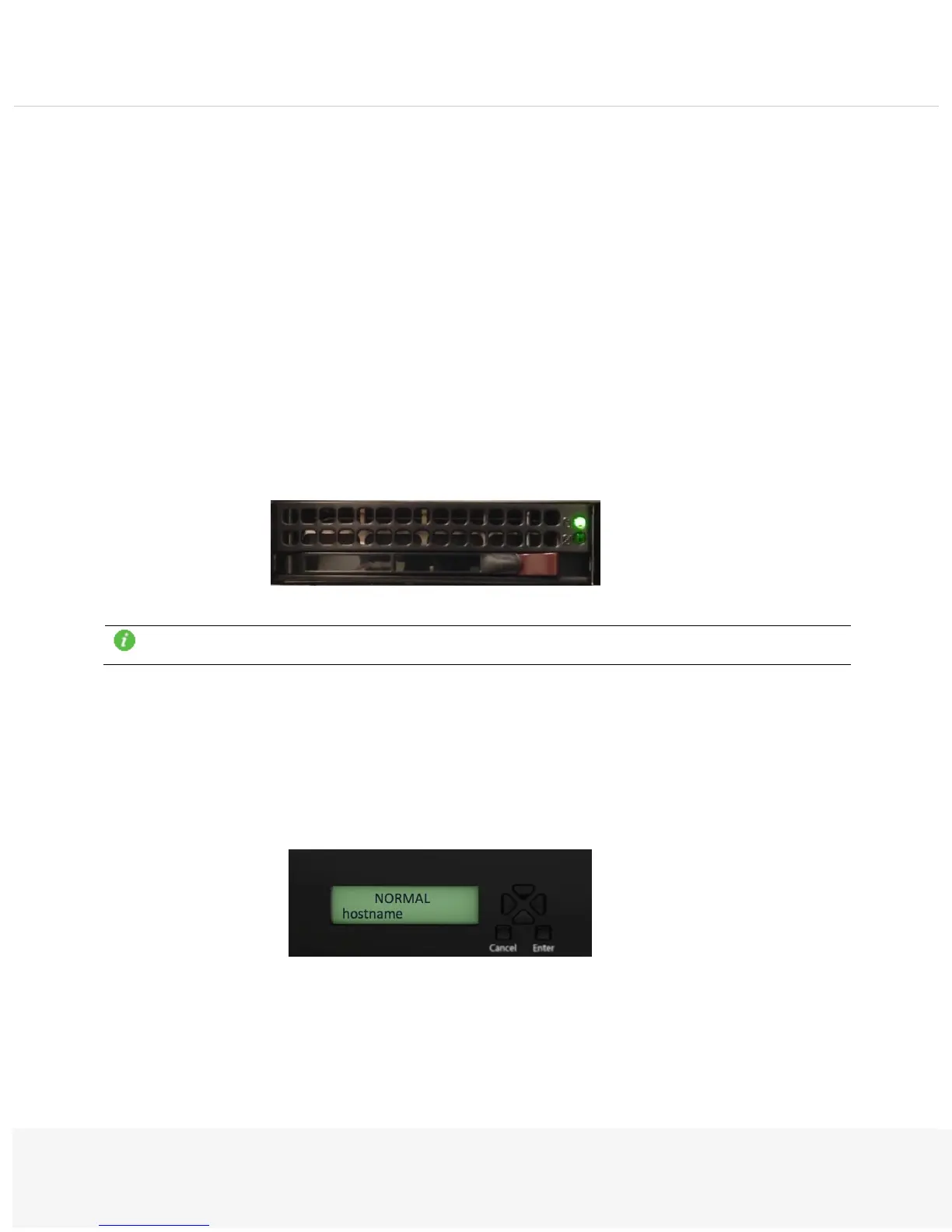
Each drive has two LEDs.
Green: When illuminated, this green LED (on the SATA drive carrier) indicates drive activity.
Red: The red LED indicates a SATA drive failure. If one of the SATA drives fail, you should be notified by your
system management software.
Note: The unit will only support two HDDs. The unit will not recognize the third drive if installed.
LCD Display
The LCD supports a Display mode (default) and Menu mode. The Display mode describes the current state of
the system, such as normal state or error conditions (example, fan speed and overheat).
Use the directional buttons to access the Menu mode and find the device information.


 To Next Page