LED Control Panel
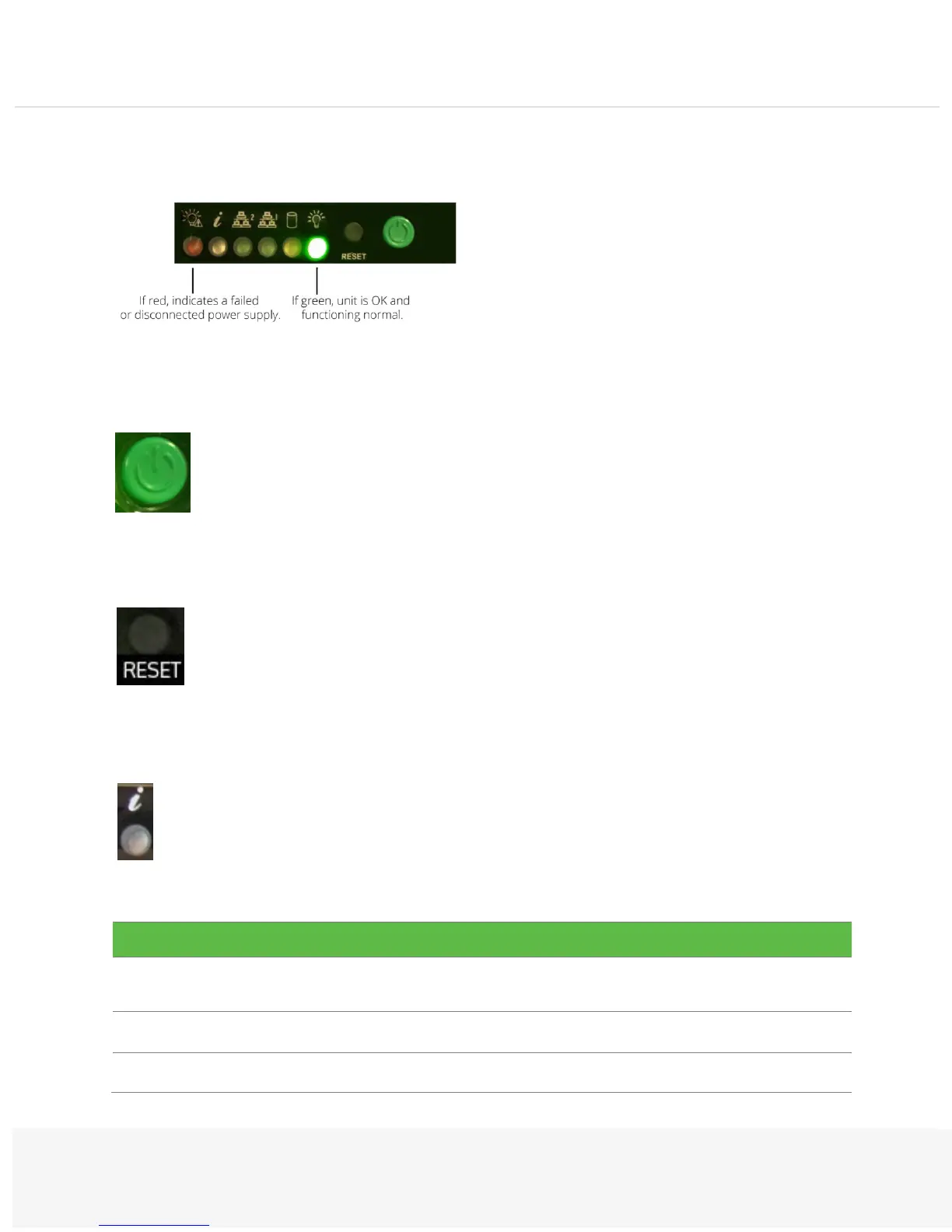
There are two buttons located on the front of the chassis: a reset button and a power on/off button. The reset button is
used to reboot the system. The main power switch activates or deactivates power to the server system.
The control panel includes a power on/off button and a reset button.
Power: The main power switch is used to apply or remove power from the power supply to the server system. Turning
off the system power with this button removes the main power but keeps a standby power supplied to the system.
Therefore, you must unplug the system before servicing.
Reset: The reset button is used to reboot the system.
The control panel displays six LEDs to monitor the system.
Information LED: Alerts an operator of several states, as noted in the table below:


 To Next Page