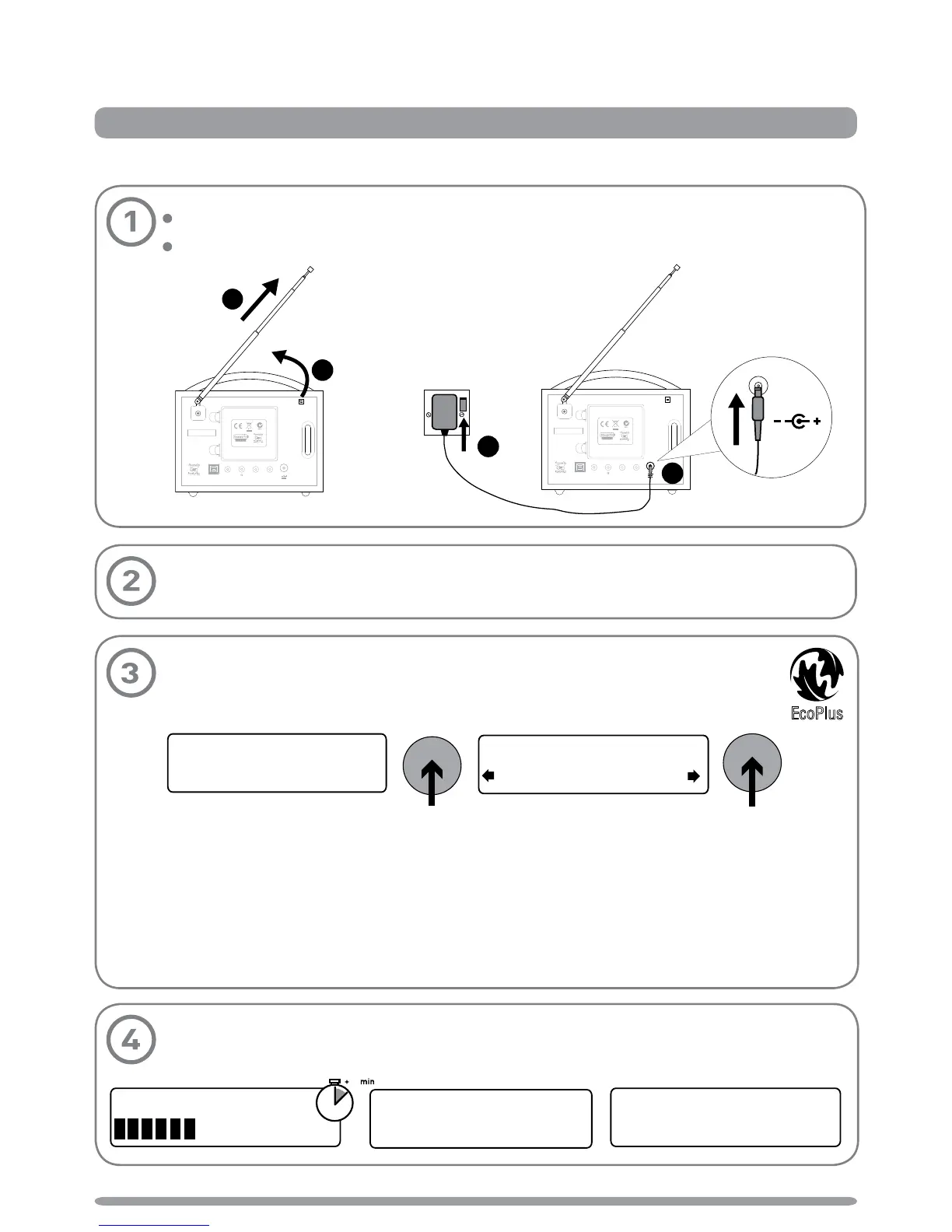
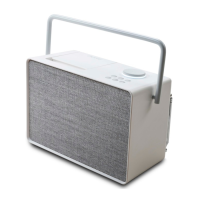
Unclip the aerial from the clip on the rear of the radio and fully extend it (steps A and B).
Insert the jack of the supplied mains adapter into the socket on the rear of the radio (C).
Plug the mains adapter into the mains supply (step D) and press the Standby button.
a) When you see the message ‘Enable energy saving?’ push the Tune dial.
b) Select ‘On’ to switch on energy saving mode (push the Tune dial).
When energy saving mode is switched on, the radio uses less power in standby
because it does not collect and store Intellitext messages in standby. It still collects
and stores Intellitext messages while the radio is switched on.
With energy saving mode switched on, the power consumption of EVOKE-1S in standby
is less than 1 Watt.
For more information: Intellitext > page 9 energy saving mode > page 12
Wait for Evoke-1S to complete an Autotune for all available DAB stations (this takes
about a minute). When the Autotune is complete, a station will be selected.
Start
Quick set up
Start
B
A
Ster eo O ut
Aeri al
Aux InUSB Aux Sp ea ke r
Desi gn ed a nd e ng ine er ed in t he U K M an uf ac tu red i n Ch ina
Desi gne d in t he U K M an uf act ur ed i n C hi na
6V D C
A
Ster eo O ut
Aeri al
Aux InUSB Aux Sp ea ke r
Desi gn ed a nd e ng ine er ed in t he U K M an uf ac tu red i n Ch ina
Desi gne d in t he U K M an uf act ure d in C hi na
6V D C
C
D
6V DC



 To Next Page