12
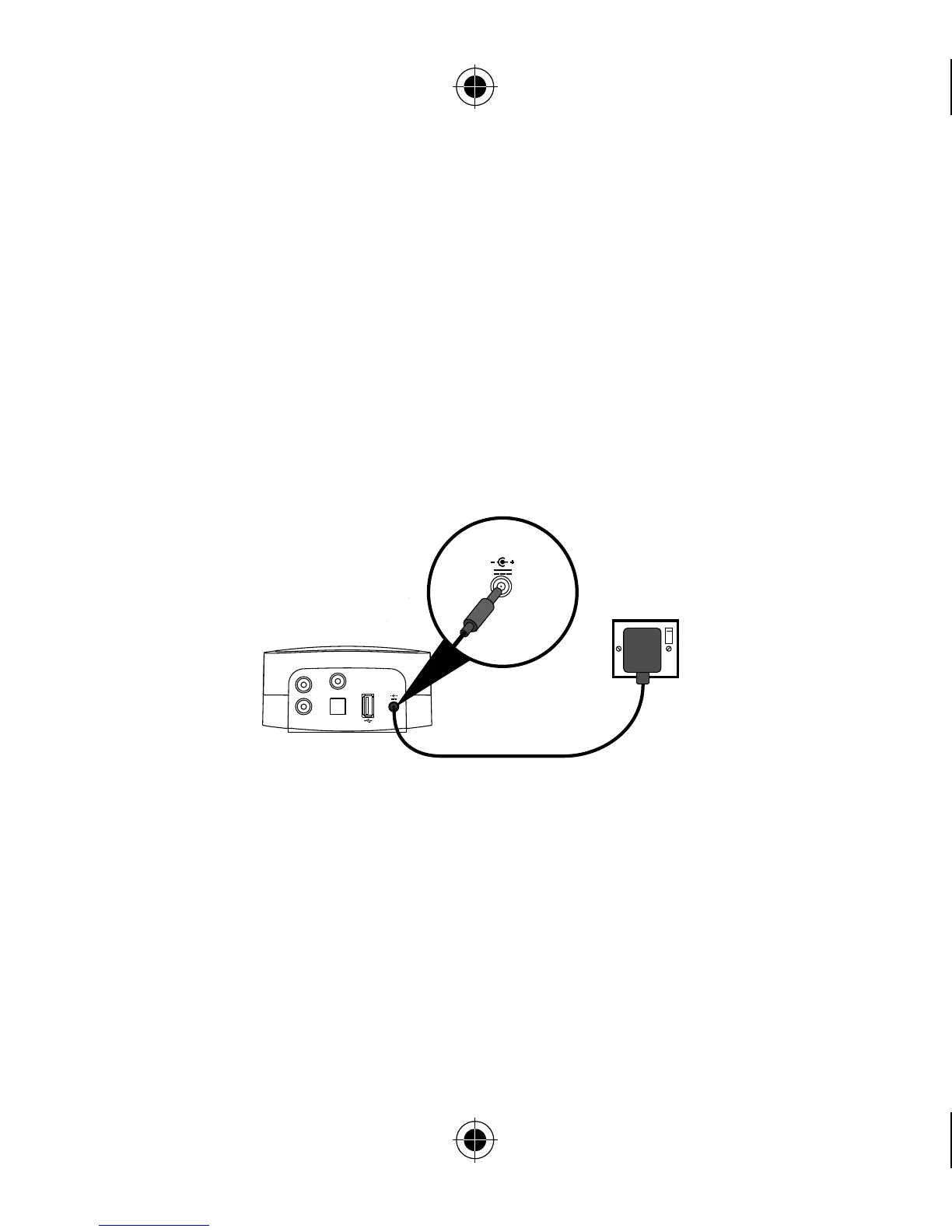
2. Insert the connector of the mains power adapter into the socket on the
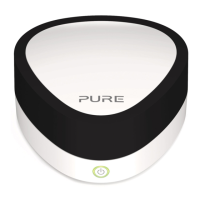
rear of Jongo and plug in to the mains supply. When Jongo is first plugged
in, the Power light will pulse red. When Jongo has finished booting up, the
Power light will light green.
5.5V DC
Line out Digital optical out
Digital coaxial out
R
L
5.5V DC
Jongo
A2
Jongo supports two wireless connection methods. See the following page to
finish setting up your wireless connection manually. If you have a router that
supports WPS, you can use the simpler Push Button Configuration method to
connect Jongo to your wireless network. See page 20 for more information.


 To Next Page