11
EN
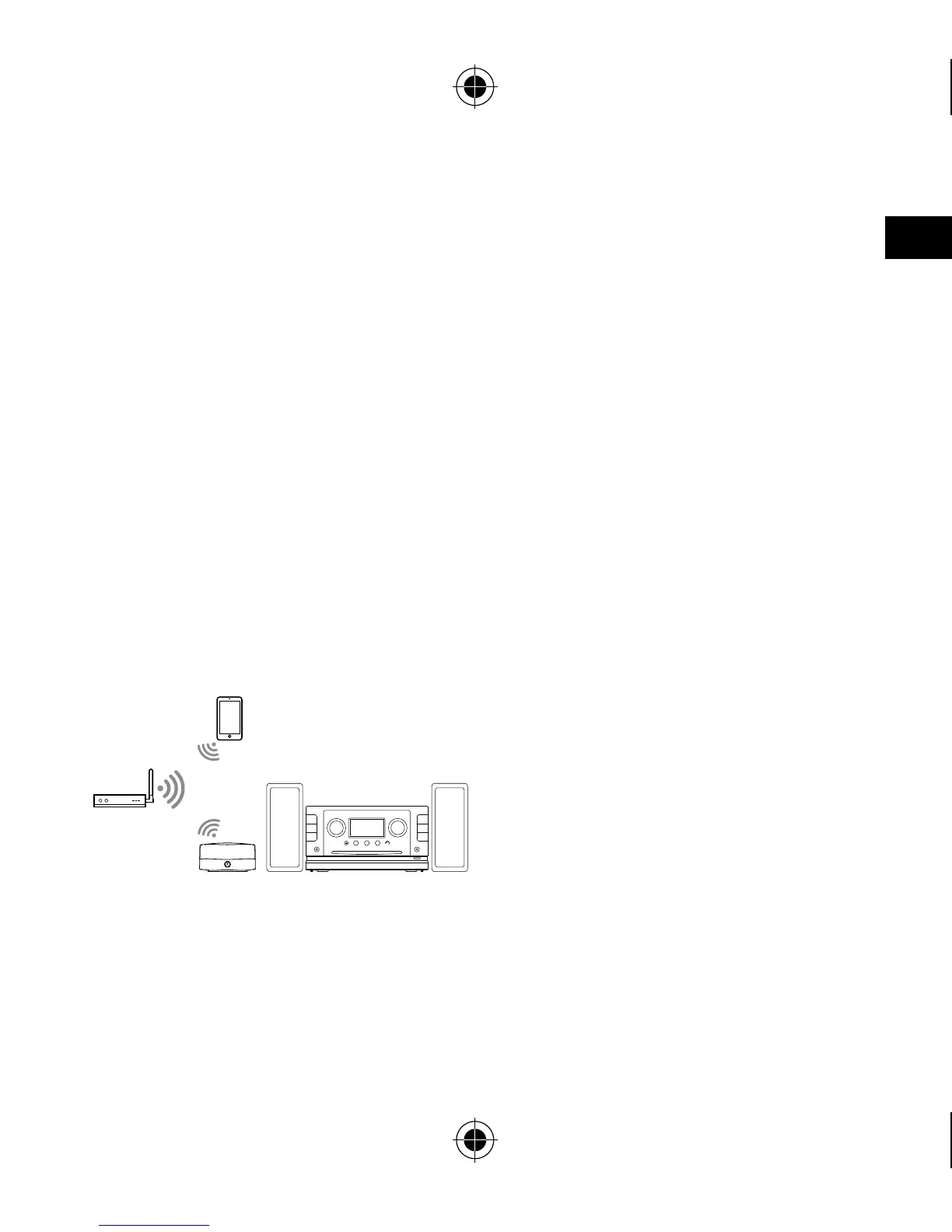
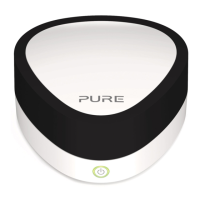
Jongo can be connected to your network using a wireless or wired connection.
We recommend using the wireless connection method, which allows you to
position your Jongo anywhere within range of your wireless network.
If you want to use the wired connection method, you will need to plug in
an optional Pure USB Ethernet adapter. See the Pure website for more
information.
Preparing Jongo to connect to a wireless
network
Getting started
Typical Jongo setup
1. Connect Jongo to your Hi-Fi or
microsystem (see page 9 to
view the available connection
options) and ensure Jongo is in
range of your wireless network.


 To Next Page