Linking your Alexa account
1. Download and install the Pure Home app. See "Downloading the Pure Home app".
2. Open the Pure Home app and select Add a product.
3. From the Add a product menu, select StreamR and follow the instructions.
Downloading the Pure Home app
The Pure Home app allows you to link your Amazon Alexa account, giving you access to
Alexa voice control. See "Controlling your speaker with voice commands".
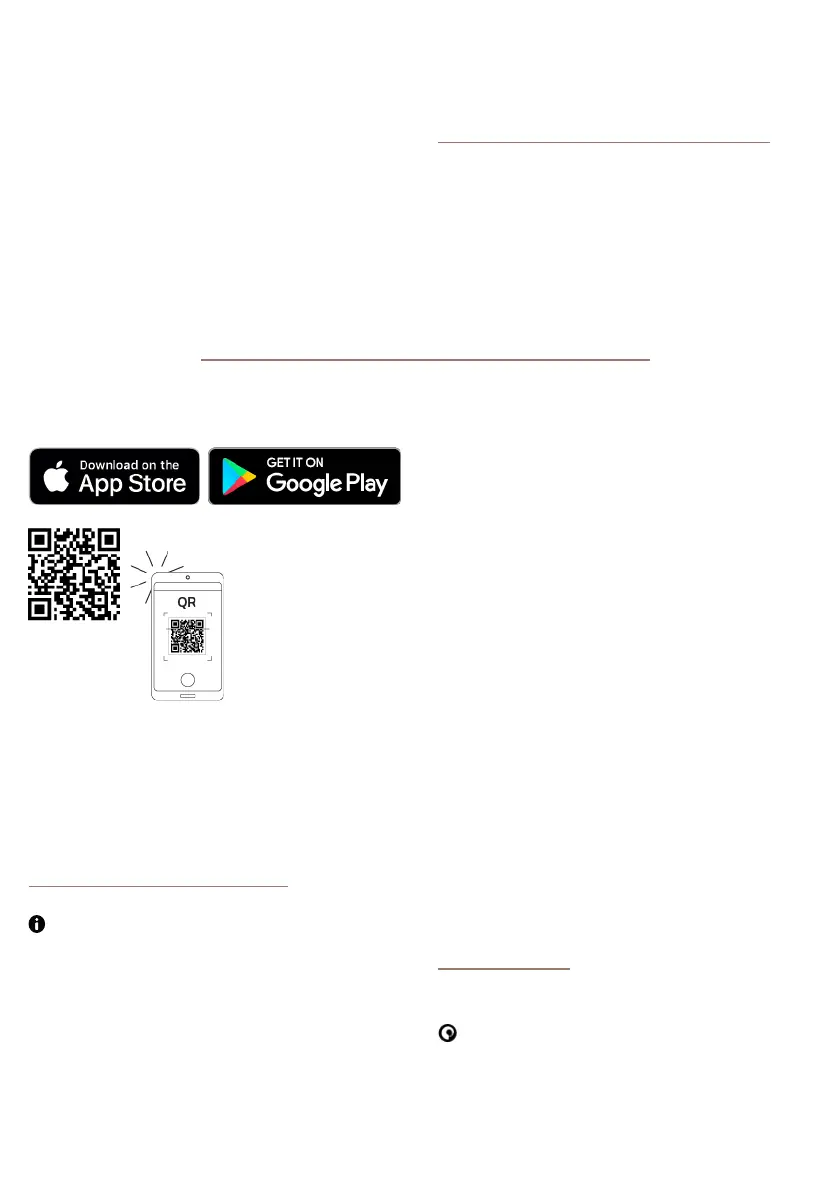
To download the Pure Home app, visit the app store for your iOS or Android mobile device.
To quickly open the app store on your mobile device, scan the QR code below.
Controlling your speaker with voice commands
After setting up your Amazon Alexa account in the Pure Home app, you can access Alexa.
See "Setting up Amazon Alexa".
Alexa voice control requires a mobile device with a data or Wi-Fi connection, which is
connected to your StreamR using Bluetooth. See "Bluetooth". The Pure Home app must
also be running on the mobile device.
To access Alexa, press and hold the Pure button and then say your command.
StreamR User Guide 9



 To Next Page