The product should not be used immediately after it has been brought from an area of cold temperature to an area
of warm temperature. Condensed water might destroy the product. Wait until the product adapts to the new ambient
temperature before use.
Make sure that the output of the power adapter is not short-circuited.
Suffocation Risk! Keep packaging materials away from children!
5. PACKAGE CONTENT
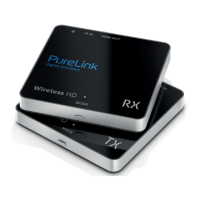
1x PureLink WHD030-V2 Transmitter (TX, WHD100T)
1x PureLink WHD030-V2 Receiver (RX, WHD100R)
2x Energy-saving switch mode power adapter
1x HDMI cable 1.5 m
1x Mini USB cable
1x Plugs + screws
1x User Manual
6. INSTALLATION
6.1 THE PURELINK WHD030-V2 TRANSMITTER (TX)
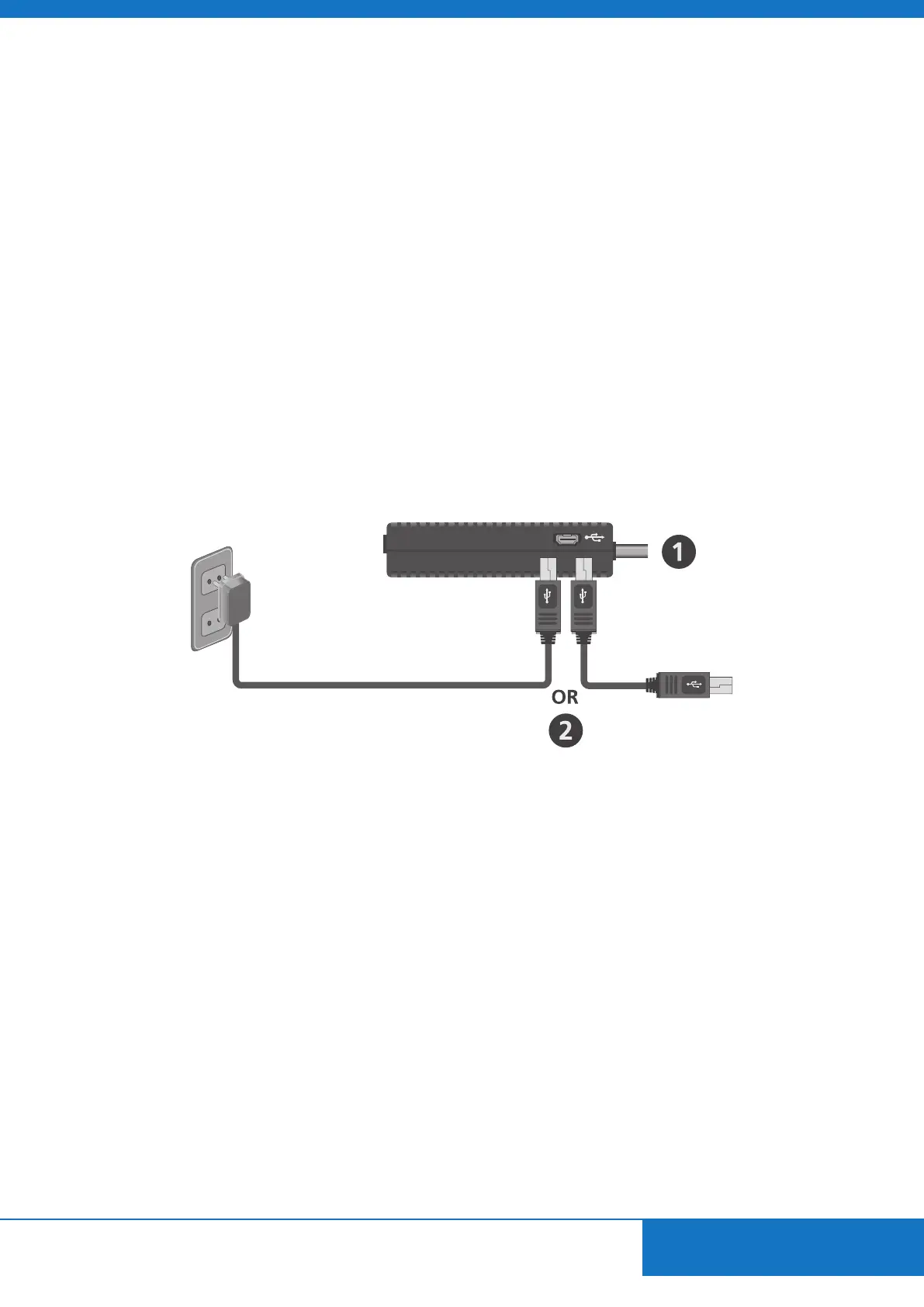
1. Connect your WHD030-V2 transmitter to your HD device (HDMI OUT) or laptop (HDMI OUT).
2. Connect the power adapter to the USB port on the WHD030-V2 transmitter and to a socket.If your HD device or Laptop
has a USB port you can also use the USB cable to power the WHD030-V2 transmitter.
ENGLISH
- 5 -



 To Next Page