24
Interior Light Control
e interior light timer defaults to 60 minutes. However, it can be changed to
15, 30, 60, or 90 minutes. To change the timer length:
• Press the “ON/OFF” button 10 times within 10 seconds
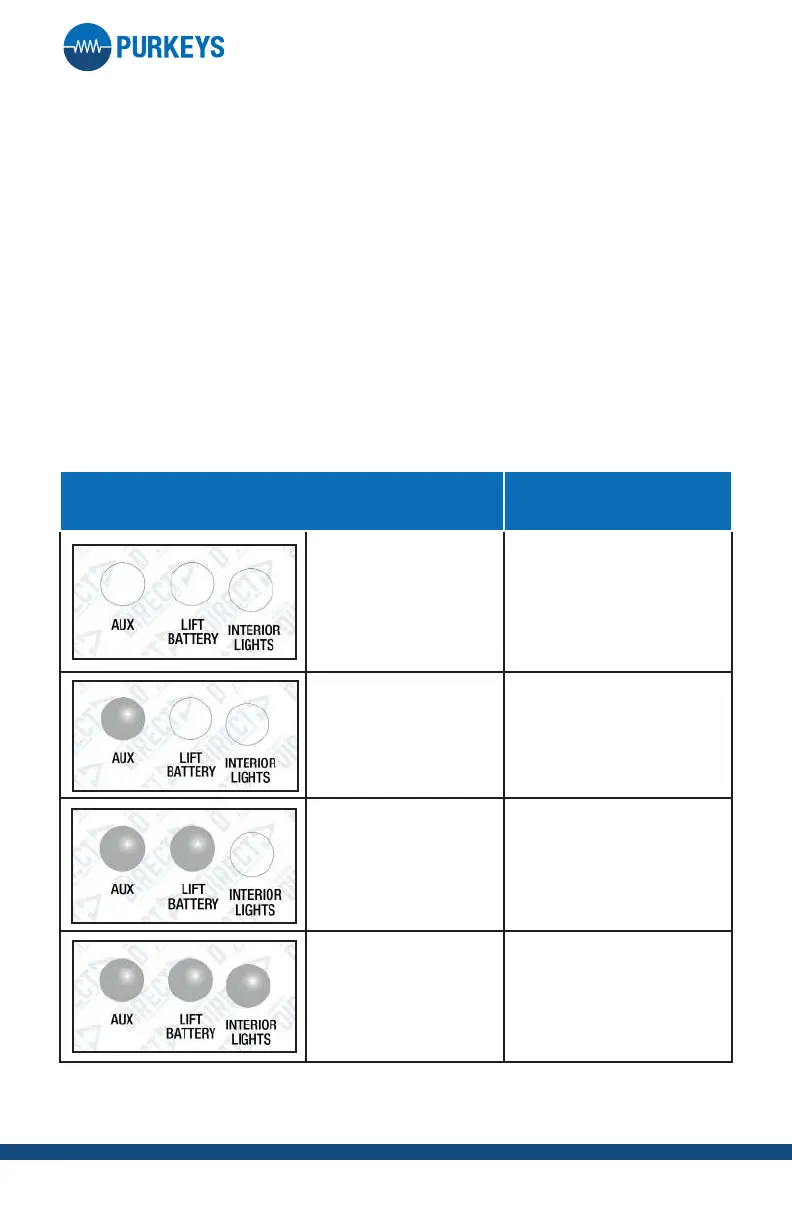
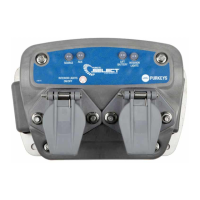
• All LEDs will ash white once, then display current timer setting (see
table below)
• Press the “ON/OFF” button to toggle to the desired timeout period (see
table below)
• Timer set mode will exit 10 seconds aer the last button press (setting
will be saved as the most recent setting entered by user )
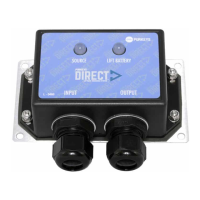
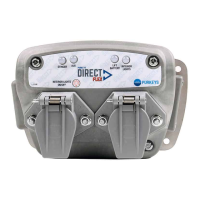
Note: if there is a Source LED (depending on product) it will be illuminated
in all cases.
LED STATUS LOGIC
No LED
15 minute timer is
enabled/active
Solid White on Aux
30 minute timer is
enabled/active
Solid White on Aux
and Li Battery
60 minute timer is
enabled/active
Solid White on Aux,
Li Battery, and
Interior Lights
90 minute timer is
enabled/active


 To Next Page