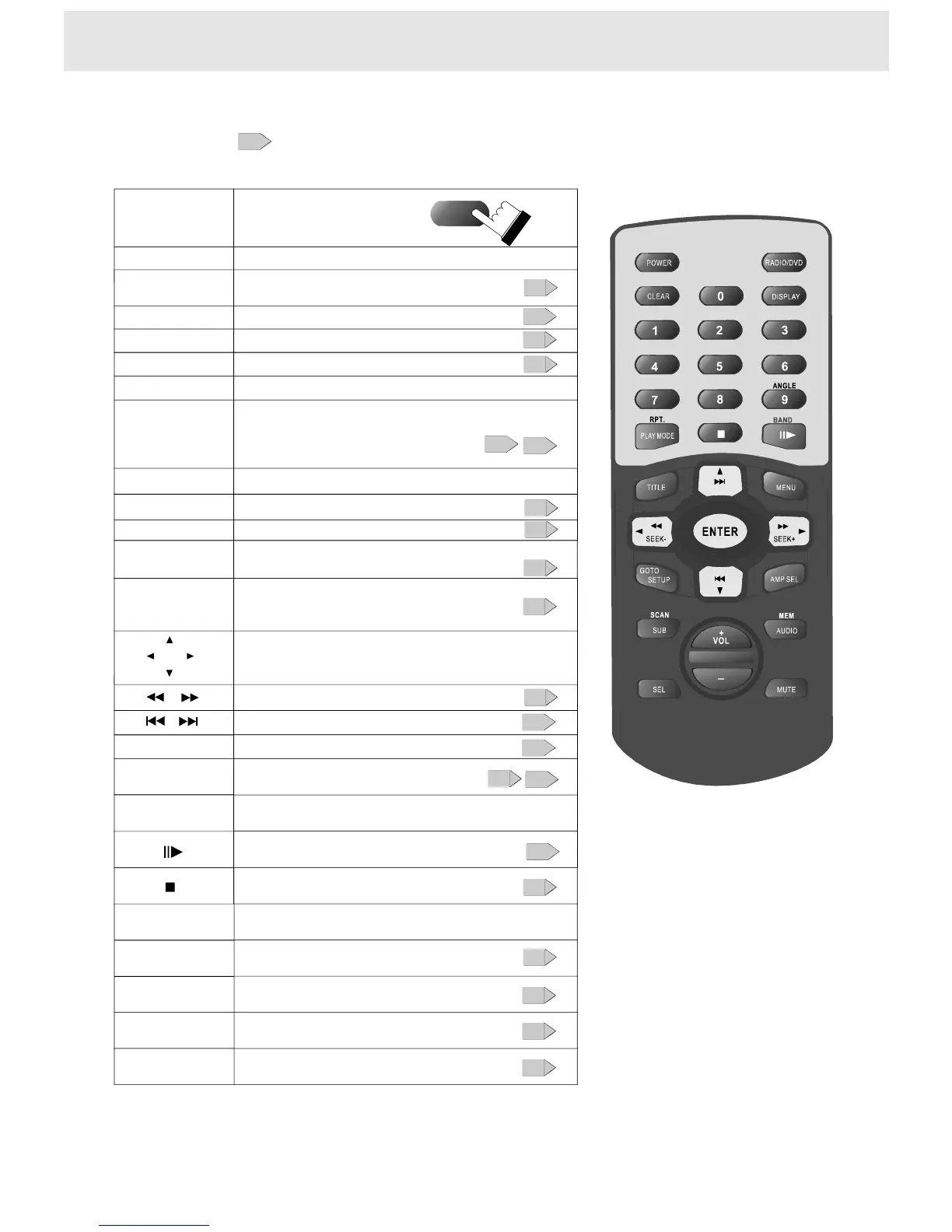
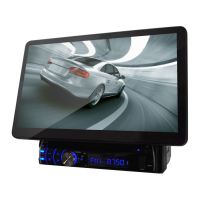
Theinstructionsinthismanualdescribethefunctionsontheremotecontrol.
Seethepageinforthedetails.
6
Identificationofcontrols
FulldirectionRemotecontrol
1342
5678
90
Poweron/off.
Selectthedesiredchannelwith
thenumberbuttondirectly
Remotecontroloperation
Thebutton
ontheremote
JoyStick/Volumecontrol/Bandcontrol
SUB
10+
AUDIO
ForDVDdiscs,toselectingaplaybackaudiosetting
Locatealocationbyenteringits
correspondingtracknumber,
chapternumberortime
GOTO
SelectingSubtitle
ANGLE
Selectingthecameraangle
Tochangetheplaybackspeed
Tolocatepreceding/succeedingchapterortrack
JoyStick
JoyStick/Volumecontrol/Bandcontrol
ForVCDdiscs,tochangetheaudiochannel
SEL
11
16
20
20
19
14
13
15
18
Note:RefertothePage26for
theinstructioninRadiomode;
Beforeyouconnectexternal
remotesensortotheplayer,
powerofftheunitfirst.
Toselecttheaudiofunctions
Playmode:PBC;Program;Off;Shuffle
PLAYMODE
16
AMPSEL
Toturnonorofftheamp.
10
VOL+,-
Tocontrolthevolume
18
ClearthewrongnumberyouenteredCLEAR
RPT.
Toplayrepeatedly
17
12
MUTE
Playingwithoutsound
DISPLAY
Usingtheon-screendisplay
21
17
POWER
Tostopplayback
12
Topauseplayback/play
12
SETUP
Functionsetup
23
22
TITLE/MENU
Locatingaspecifictitlechapterortrack
15


 To Next Page