www.PyleUSA.com
7
OPERATION
HOW TO SELECT FREQUENCIES/CHANNELS FOR THE RECEIVER
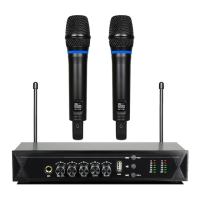
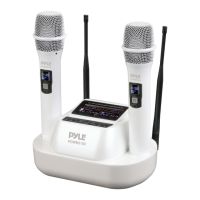
The 2-in-1 Base Module comes with two handheld microphones and each
microphone is preset with 5O frequency channels.
The frequency can be selected either automatically or manualy.
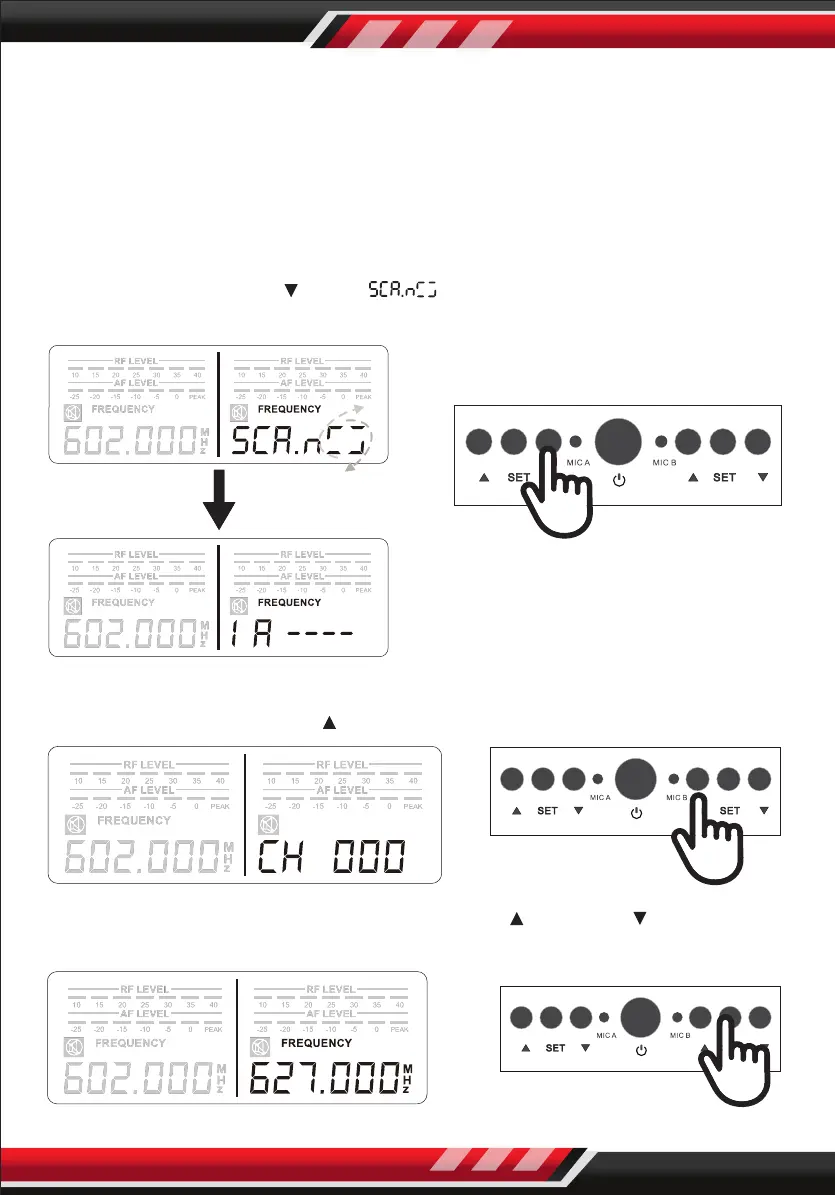
1. AUTOMATIC FREQUENCY/CHANNEL SELECT
Press and hold “DOWN “ until “ “ displays.
Then the best frequency will be selected.
2. MANUAL FREQUENCY/CHANNEL SELECT
STEP 1: Press and hold “UP ” on the receiver until the channel blinks.
STEP 2: While the channel is blinking, press “UP ” or “DOWN ” to select the
desired channel. Then press "SET" to conrm the channel.


 To Next Page