EasyManua.ls Logo

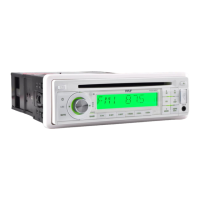
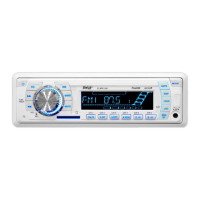
Pyle PLMRKT34WT - User Manual

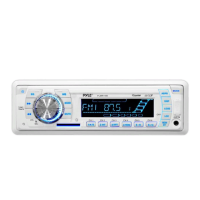
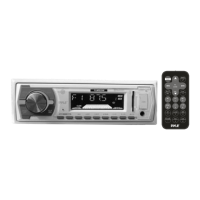
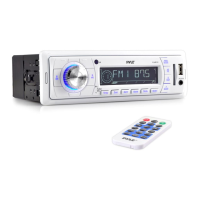
Pyle PLMRKT34WT
14 pages
Print Icon
To Next Page IconTo Next Page
Loading...
OWNER’S MANUAL
Mobile Audio System
PLL Synthesizer Stereo Radio
Automatic Memory Storing
Preset Equalization
USB Interface
Auxiliary Input Function
Remote Control
PLMR18
www.pyleaudio.com
PLMRKT34

Questions and Answers

  • T
    Todd DavisJul 26, 2025
    Why is there no sound coming from my Pyle PLMRKT34WT?
    • C
      cookhannahJul 26, 2025
      If your Pyle Car Receiver isn't producing any sound, first, make sure the volume isn't set to the minimum. If it is, simply adjust it to a comfortable listening level. Additionally, verify that all wiring connections are secure and properly connected.
  • D
    Dale SandovalAug 3, 2025
    How to fix a Pyle PLMRKT34WT Car Receiver that has no power?
    • D
      davislindaAug 3, 2025
      If your Pyle Car Receiver isn't turning on, and the power supply is connected to the car accessory circuits, ensure the car ignition key is switched to the “ACC” position. Also, check the fuse. If it's blown, replace it with a new one.
  • C
    Caleb MayerAug 11, 2025
    What to do if the radio on my Pyle PLMRKT34WT does not work?
    • P
      Patrick MarshallAug 11, 2025
      If the radio on your Pyle Car Receiver isn't working or the automatic station selection fails, first check the antenna cable. Ensure it's firmly inserted. If the signals are too weak, try selecting a station manually.
  • J
    Jillian CookAug 18, 2025
    What to do if the operation keys on my Pyle PLMRKT34WT do not work?
    • T
      Tyler GonzalesAug 18, 2025
      If the operation keys on your Pyle Car Receiver aren't working, try pressing the RESET button. This is because the built-in microcomputer may not be operating properly due to noise. Also, ensure that the front panel is properly fixed into its place.

Summary

Installation

Take Out Screw Before Installation

Steps to remove screws prior to mounting the unit.

DIN Front-Mount Installation (Method A)

Instructions for mounting the unit in a dashboard opening.

Removing the Unit

Steps to detach the unit from the dashboard.

DIN Rear-Mount Installation (Method B)

Instructions for mounting using factory radio brackets.

Wiring Connection

Operation

Location of Keys

Identifies all buttons and controls on the unit.

Basic Unit Functions

Covers power, sound, display, aux input, mute, EQ, remote, and reset functions.

Radio Tuning and Presets

Details radio mode, band selection, station tuning, and auto memory storage.

Manual Radio Operations

Describes manual station storage, signal scanning, and mono/stereo reception.

USB Media Playback

Instructions for USB playback, track selection, and playback modes.

USB File Navigation

How to search and select tracks/directories using specific buttons.

USB Playback Features

Displaying ID3 tags, clock, and other info during USB playback.

Supported USB Formats

Details compatible MP3/WMA decoding modes and file limitations.

SD;MMC Media Playback

Instructions for using SD/MMC cards for media playback.

Specification

Trouble Shooting

Pyle PLMRKT34WT Specifications

General IconGeneral
BrandPyle
ModelPLMRKT34WT
CategoryCar Receiver
BluetoothYes
USB PortYes
SD Card SlotYes
AM/FM RadioYes
RCA OutputYes
Single DIN SizeYes
Aux InputYes
Channels4
Impedance4 Ohms
Marine GradeYes
Remote ControlYes
Maximum Power300 Watts

Related product manuals