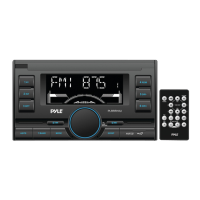
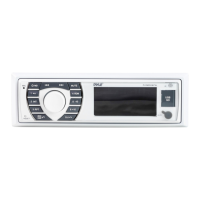
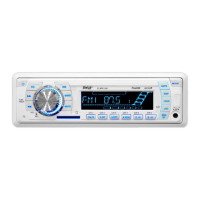
2.0perations
CD
TURN POWER ON/OFF AND ADJUST VOLUME
Rotate " sw.vol " knob clockwise to turn the power
on
and increase volume;
Rotate " sw.vol " knob anticlockwise to decrease volume and turn the power off.
® RADIO OPERATIONS
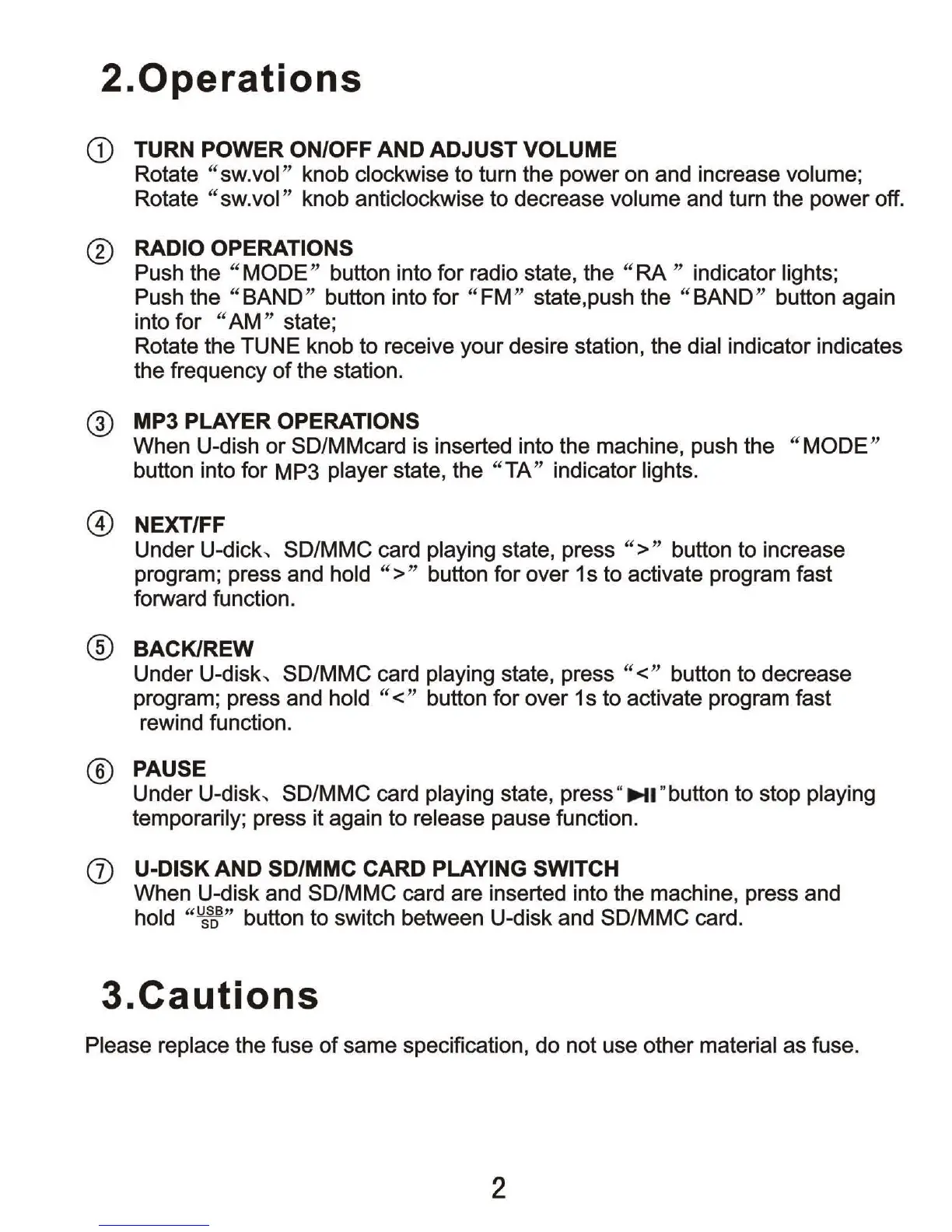
Push the
"MODE
" button into for radio state, the
"RA
" indicator lights;
Push the
"BAND
" button into for
"FM
" state, push the
"BAND
" button again
into for
"AM
" state;
Rotate the TUNE knob to receive your desire station, the
dial indicator indicates
the frequency of the station.
@ MP3 PLAYER OPERATIONS
When U-dish
or
SD/MMcard is inserted into the machine, push the " MODE"
button into for MP3 player state, the "
TA
" indicator lights.
@ NEXT/FF
Under U-dick, SD/MMC card playing state, press
">
" button to increase
program; press and
hold
">
" button for over 1s to activate program fast
forward function.
® BACKIREW
Under U-disk, SD/MMC card playing state, press "<" button to decrease
program; press and
hold "
<"
button for over 1 s to activate program fast
rewind function.
® PAUSE
Under U-disk, SD/MMC card playing state, press "
~I
"
button to stop playing
temporarily; press it again to release pause function.
(j) U-DISK AND SD/MMC CARD PLAYING SWITCH
When U-disk and SD/MMC card are inserted into the machine, press and
hold
"
~
"
button to switch between U-disk and SD/MMC card.
3.Cautions
Please replace the fuse
of
same specification, do not use other material as fuse.
2



 To Next Page