10
F. Power Switch
ON: Power On.
OFF: Power Off, for storage or shipping.
G. Start (SW)
ON: Press more than 0.5s to start the battery.
OFF: Press more than 0.5s to turn off the battery.
H. Protection
Protection light: RED LED indicates that the battery is under BMS protection,
combined with SOC LEDs to show which kind of protection in detail. More
details can be found in the following “LED Status Indicators” table.
J. Alarm (ALM)
Alarm light: YELLOW LED indicates that the battery has alarm, combined with
SOC LEDs to indicate which kind of alarm in detail. More details can be found
in the following “LED Status Indicators” table.
K. SOC
SOC lights: 4 green LEDs indicate the battery’s current capacity.
L& M. Power Terminals (+/-)
Power cable terminals: there are two pair of terminals with
same function, one is connected s to equipment, the
other is connected in parallel to other battery modules for
capacity expansion.
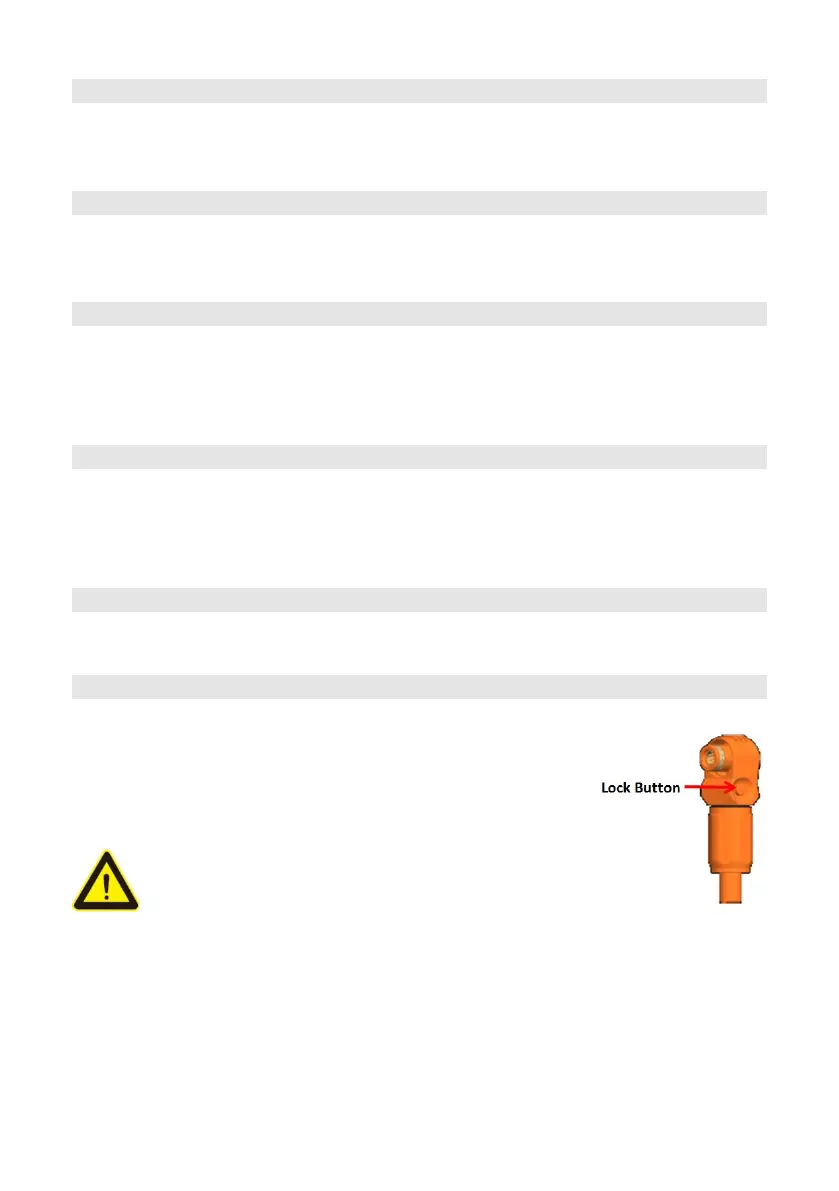
Caution: For power cables with self-locked
connectors, keep pressing this Lock Button
while pulling out the power plug.


 To Next Page