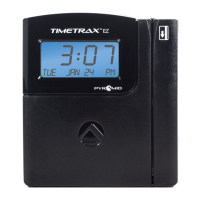
TIMETRAX™ SYNC 7000/7000BDL110 MASTER CONTROL
Installation Instructions
MENU
:
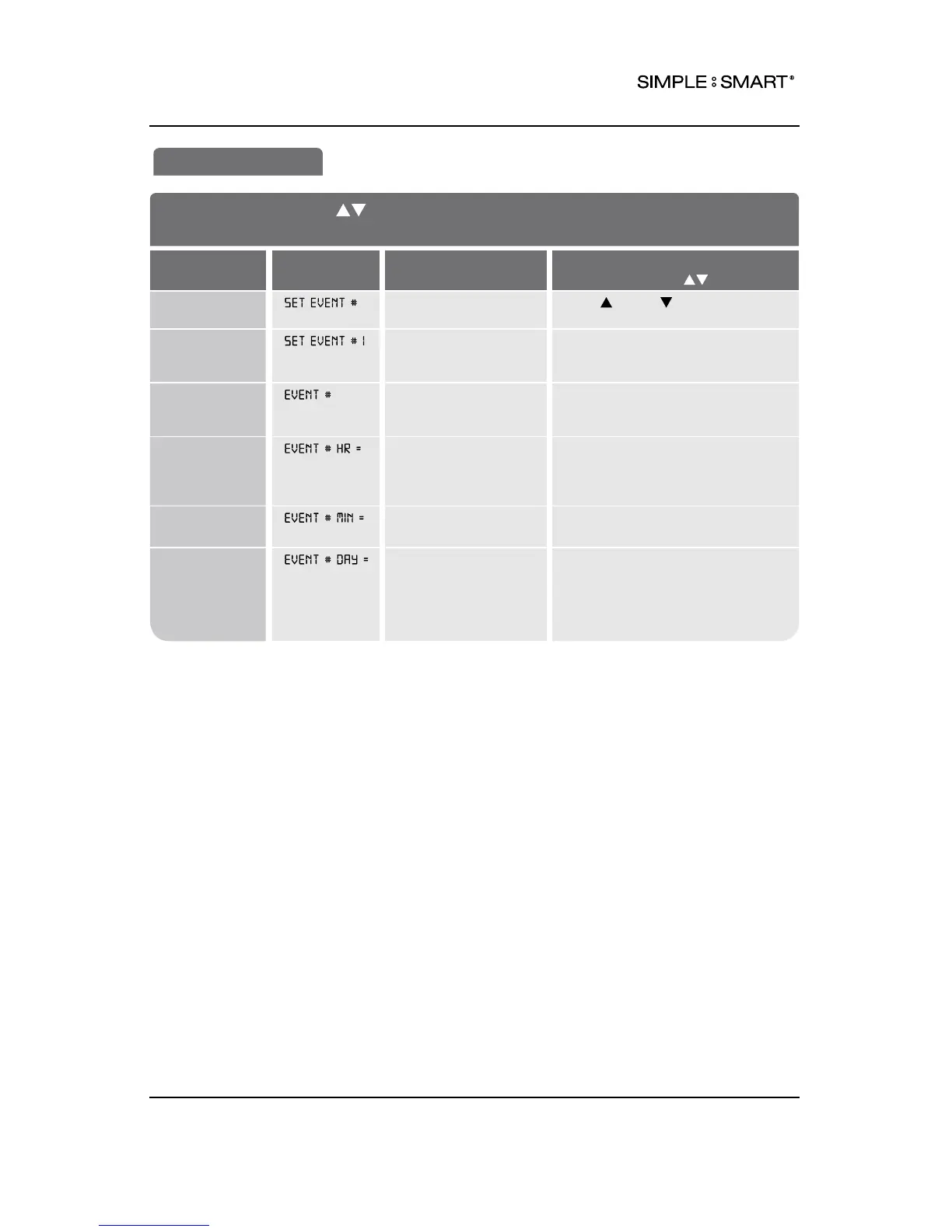
SET EVENT
SCHEDULE AN EVENT (e.g. Sound Bells/Horns)
FEATURE
(SELECT)
DISPLAY
DEFAULT SETTING
OPTIONS (SCROLL )
Set Event
Schedule
NO Scroll (UP) or (DOWN) to
schedule event
Assign the
Event a
Number (1-300)
1 SET EVENT
(e.g.1, 2, 3 ... 300)
Set the
Event’s
Duration
OFF OFF, .5 SEC, 1-15 SEC (determines
length of time buzzer/bell/horn
sounds)
Set the
Event’s Hour
12 AM (AM/PM)
00 (MIL)
EVENT HOUR +/– One Hour
12 HR: 12AM-11PM
24 HR: 00-23
Set the
Event’s Minute
00 EVENT MINUTE +/– One Minute
(e.g. 00, 17, 59)
Set the
Event’s Day
ALL Monday thru Friday Event: M-F
One day event: SUN,
MON,
TUE,
WED,
THU,
FRI,
SAT
All week event, SUN-SAT: ALL
SET EVENT
12BELL SCHEDULE



 To Next Page