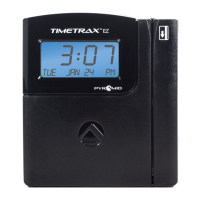
TIMETRAX™ SYNC 7000/7000BDL110 MASTER CONTROL
Installation Instructions
1
2
3
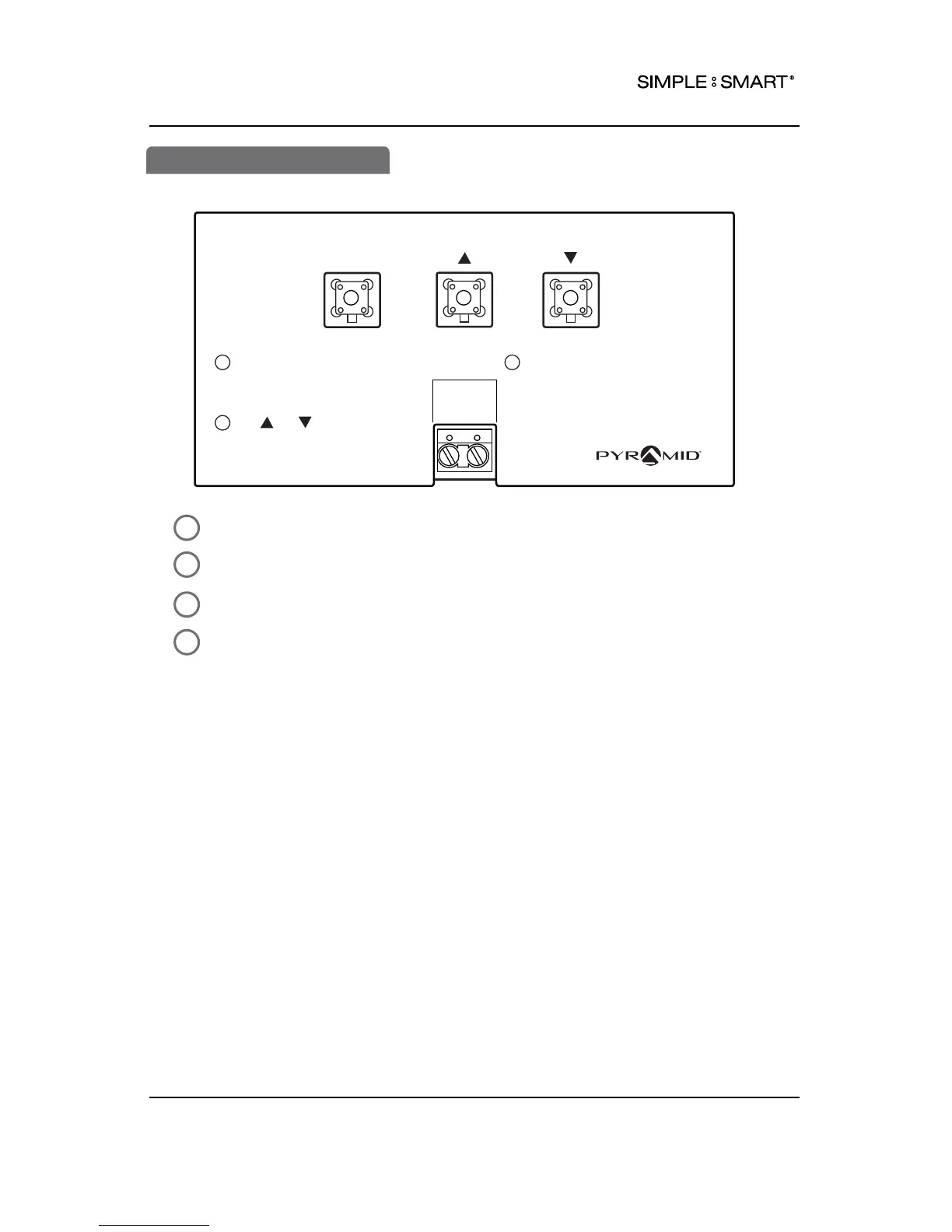
Locate programming buttons labeled SELECT, (s) (UP) & (t) (DOWN).
Press SELECT until desired feature is displayed (see chart on next page).
Press (s) (UP) or (t) (DOWN) to scroll through feature options.
Press SELECT to save option setting and move onto next feature.
SELECT
SET-UP INSTRUCTIONS
To change or set feature,
press SELECT until desired
feature is displayed.
Use or to change
feature.
1
2
DATA POWER
After displayed feature is
changed, press SELECT to
change other feature &
return to main display.
3
24 VDC
+ -
41301A
pyramidtimesystem.com
4
PROGRAMMING
7 PROGRAMMING 888.479.7264



 To Next Page