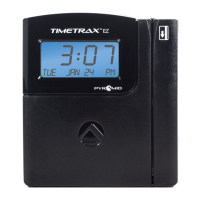
TIMETRAX™ SYNC 7000/7000BDL110 MASTER CONTROL
Installation Instructions
7000 MASTER CLOCK CONTROLLER : PROGRAMMING
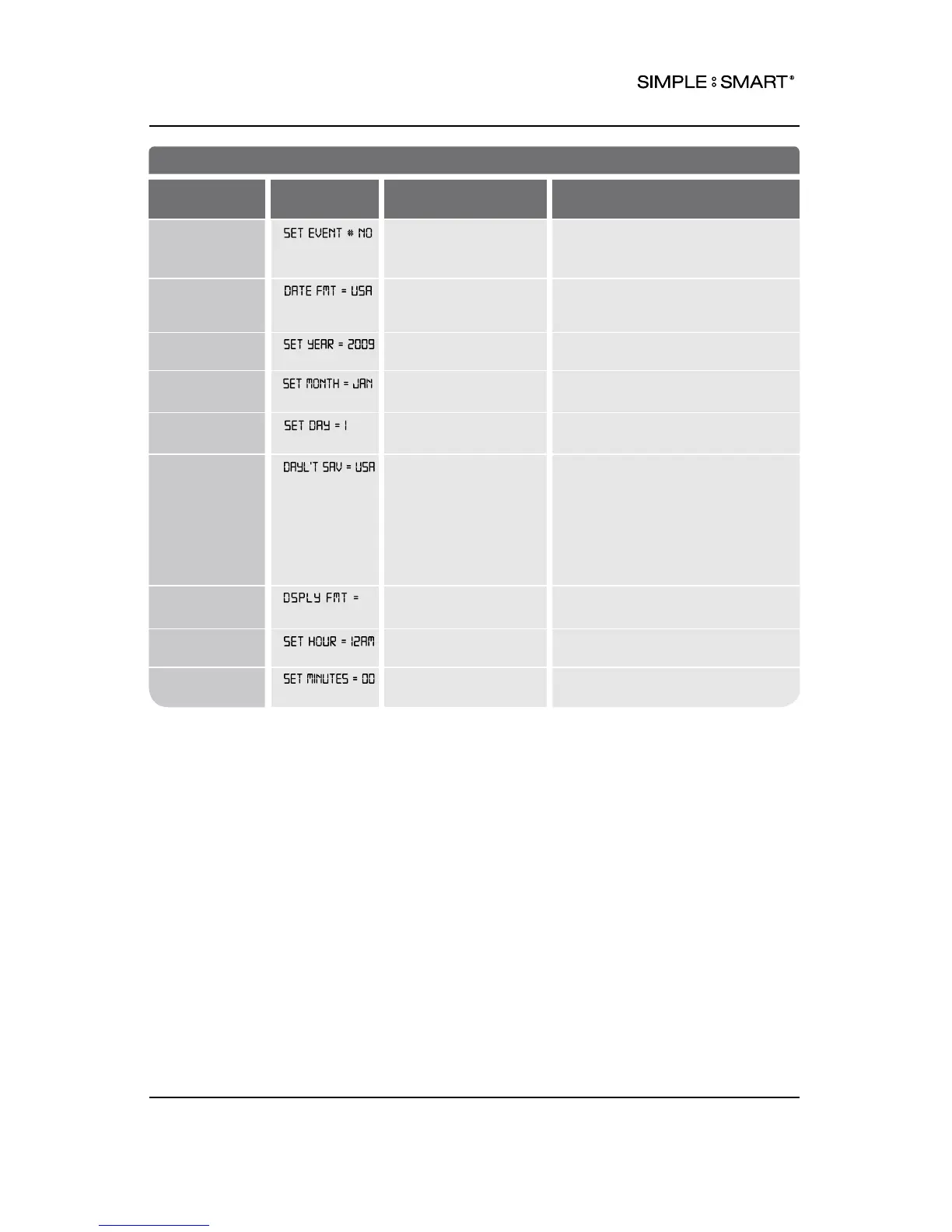
FEATURE
(SELECT)
DISPLAY
DEFAULT SETTING
OPTIONS (SCROLL st)
Schedule Bells NO NO: No event(s) scheduled.
YES: Schedule event(s) SET EVENT
#1-300 See instruction on p.12.
Date Format USA Use the UP or DOWN key to select
USA or EURO (European) display
format for time.
Set Year 2009 Use the UP or DOWN key to set the
current year.
Set Month JAN Use the UP or DOWN key to set the
current month.
Set Day 1 Use the UP or DOWN key to set the
current day of month.
Set Daylight
Saving Time
(DST) Rule
USA USA: USA DST: Begins 2nd
SUN of MAR, Ends 1st SUN of NOV
EURO: European DST: Begins Last
SUN of MAR, Ends Last Sun of OCT
OTHER: Set a custom DST Rule
Choose from LINE or CRYSTAL time base.
OFF: No adjustment for DST.
Set Format
AM/PM AM/PM: 12 Hour
MIL: Military, 24 Hour
Set Hour 12AM Use the UP or DOWN key to set the
current hour of day.
Set Minutes 00 Use the UP or DOWN key to set the
current minute.
8PROGRAMMING



 To Next Page