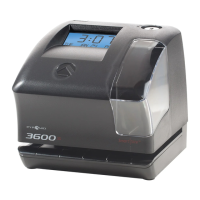
TIMETRAX™ SYNC 7000/7000BDL110 MASTER CONTROL
Installation Instructions
INSTALLATION/7000
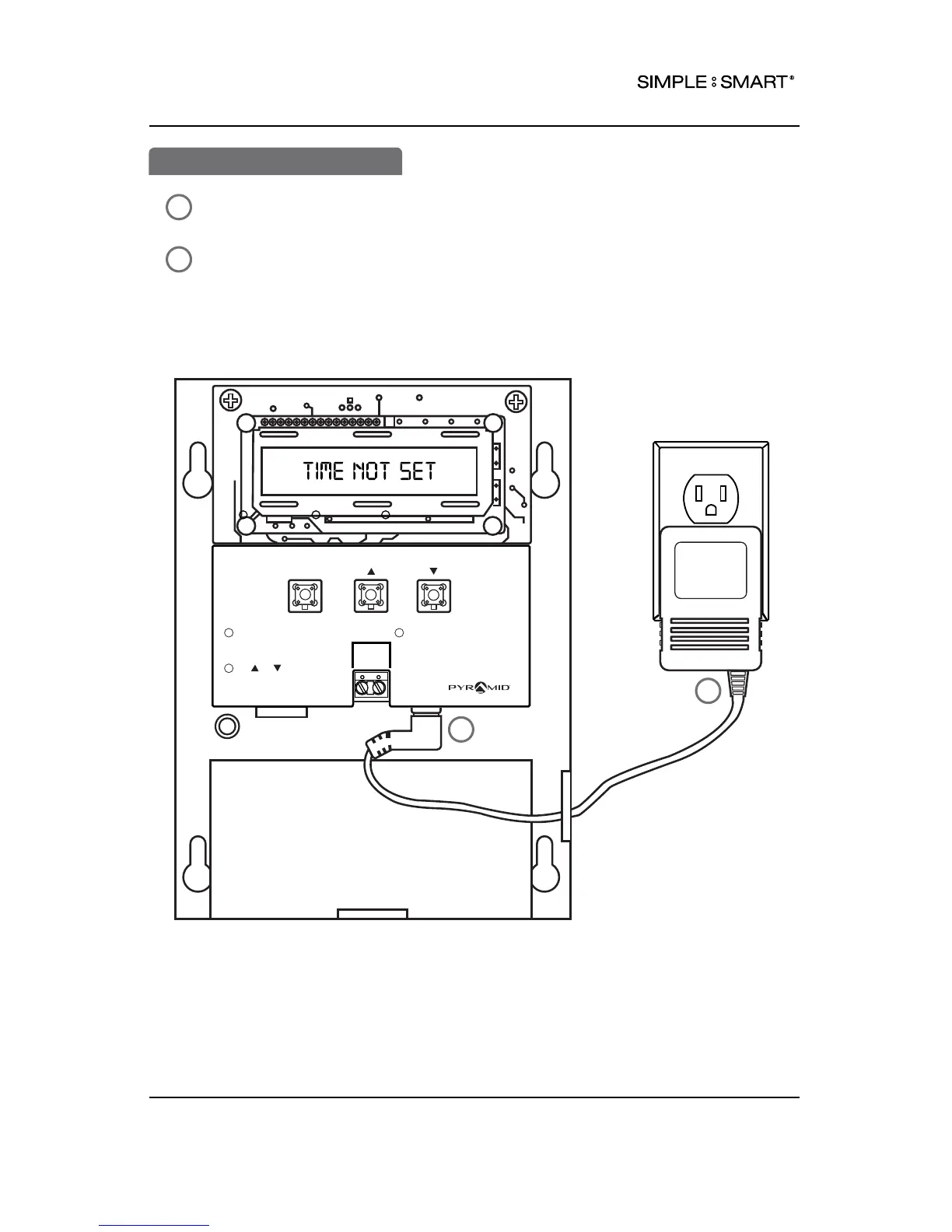
Route the power supply through cable channel located on right side or bottom of
the 7000 case. Connect power supply into power port labeled POWER.
Plug power supply into standard electrical wall outlet.
SELECT
SET-UP INSTRUCTIONS
To change or set feature,
press SELECT until desired
feature is displayed.
Use or to change
feature.
1
2
DATA POWER
After displayed feature is
changed, press SELECT to
change other feature &
return to main display.
3
24 VDC
+ -
41301A
pyramidtimesystem.com
2
1
2
1
2
6INSTALLATION



 To Next Page