Warning: Batteries connected in series are forbidden, high voltage would lead to hazard shock.
Select the corresponding port based on the communication protocol between the battery and energy
storage inverter (RS485/CAN), and then insert the communication cable into the port.
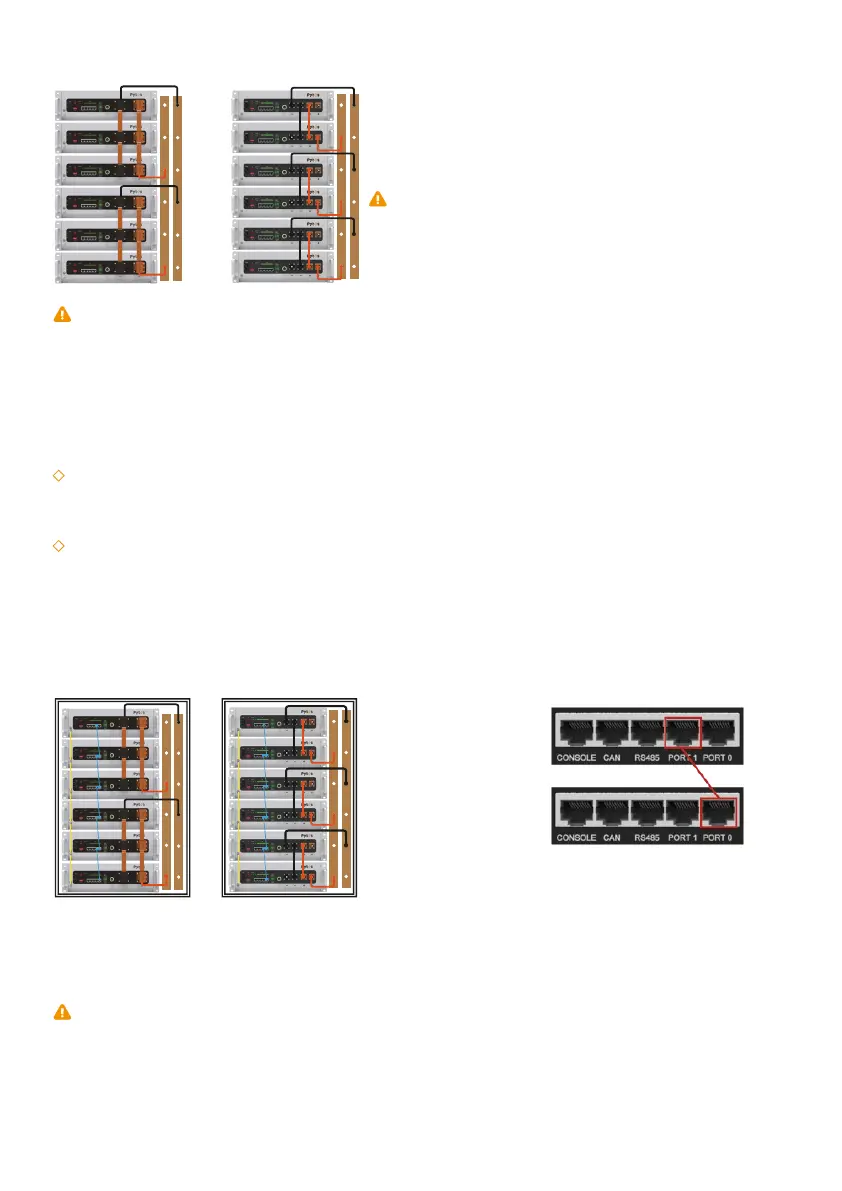
The communication between the master and the slaves is carried out in a cascade mode, wherein one
battery acts as the master while the others are slaves. Please refer to the picture below for the cascade
connection. Users need to insert the communication cables into the relevant link ports between the
batteries and keep in mind that:
1.Keep the master Port 0 free;
2.Keep the end slave Port 1 free;
Single battery:
Multiple batteries (Max number 14):
2)Power cable connection instructions of Multi-Rack:
Connect the overall power cables of each rack to the convergence bus bar (or junction box) in parallel,
then connect them to the energy storage inverter.
1)Communication cable connection instructions of Single-Rack:
2)Communication cable connection instructions of Multi-Rack:
Connect the master battery of each rack to a hub with a standard communication cable. A Hub is
required for to build up the communication between inverter and battery (more than 14 batteries or more
than one rack)
Note: The system may not be able to communicate if not followed the instruction.
5.3.4 Connecting communication cables
Note: When multiple batteries are connected in parallel, in order
to minimize the influence of the circular current, each battery
can be connected to a busbar with power cable. The length,
thickness, material, and resistance of the cables connected
in parallel must be the same.
Figure 5-1 Schematic diagram of power cable connection
Figure 5-2 Schematic diagram of
communication cable connection
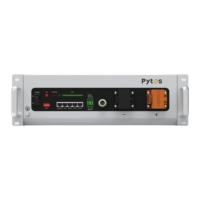
The battery provides a WiFi port for data collection and upload to the monitoring cloud platform, which
supports remote viewing of battery data and enables remote firmware upgrades. This product can be
purchased separately from PYTES authorized resellers/distributors/installers.
5.3.5 WIFI Connection
13



 To Next Page