30
• Mask: This checkbox enables the user to create, place, and shape a “privacy mask” which obscures part of the
image on the associated channel.
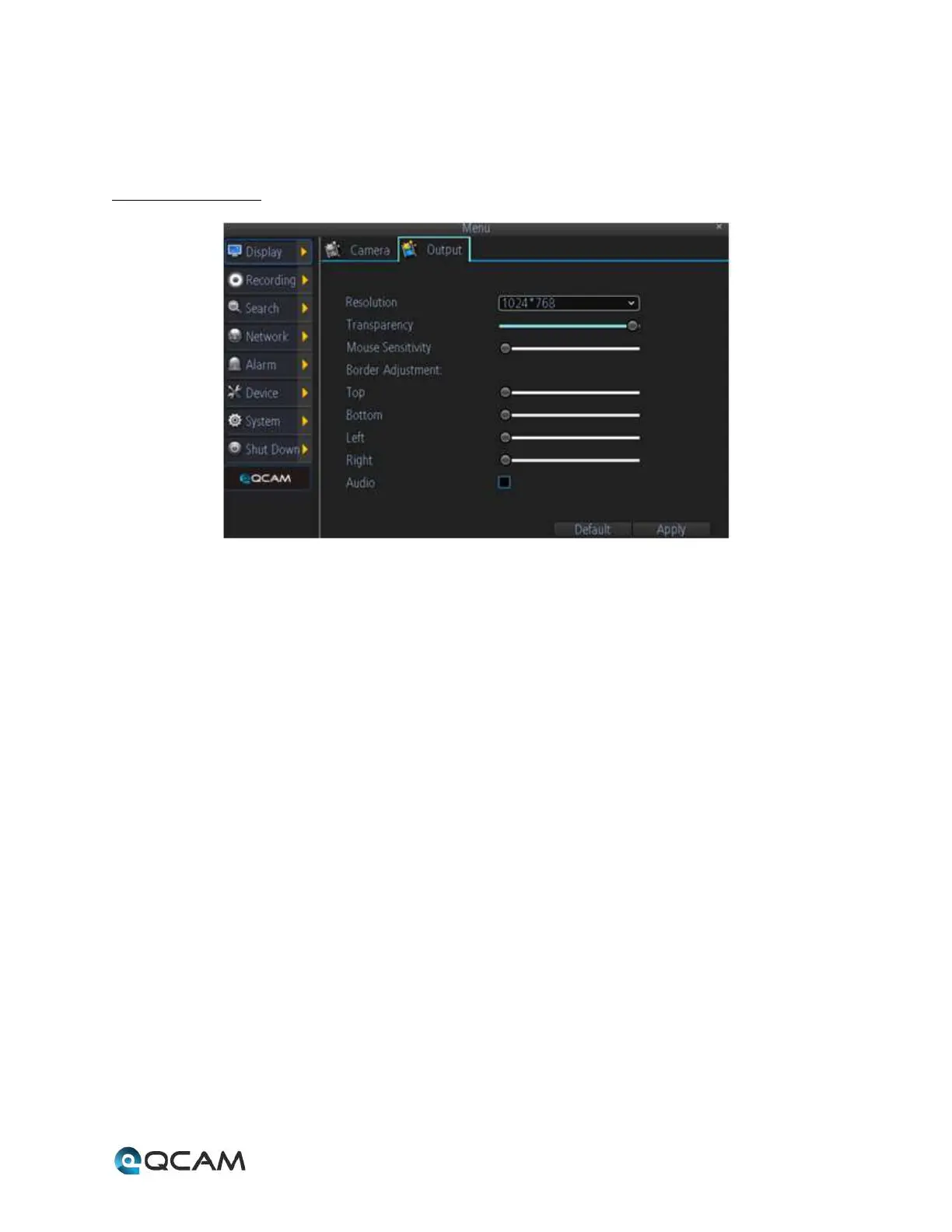
4.6.2.2 Output Tab
Below is an explanation of the fields on this screen:
• Display Resolution: This dropdown box allows the user to choose the output resolution.
• Transparency: This slider allows the user to set the transparency of the menus.
• Mouse Sensitivity: This slider allows the user to adjust the mouse movement sensitivity.
• Border Adjustment: These sliders allows the user to adjust the border of the video output. Use the Top,
Bottom, Left, and Right sliders to adjust the borders.
• Audio: This checkbox allows the user to enable or disable audio output through the video output device.



 To Next Page