32
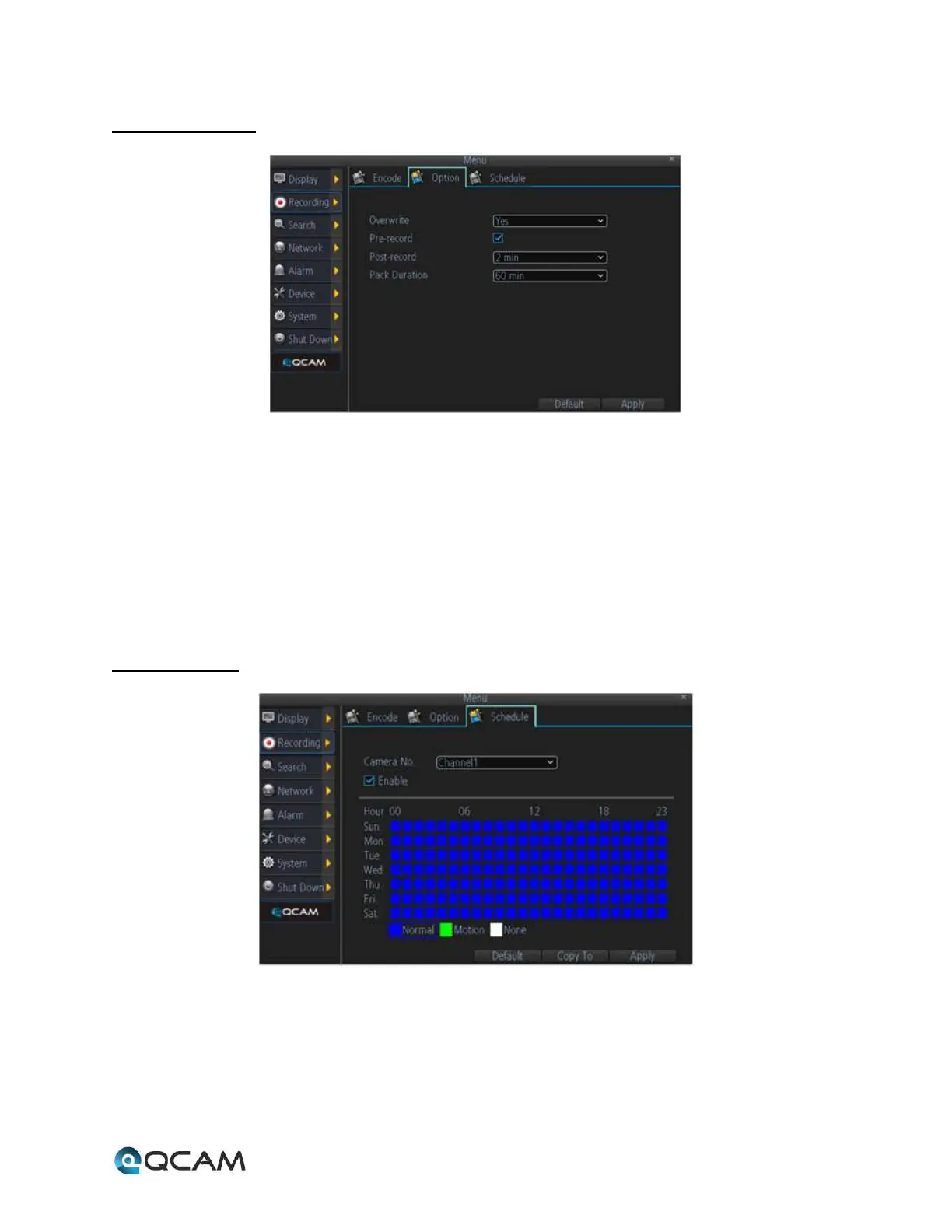
4.6.3.2 Option Tab
Below is an explanation of the fields on this screen:
• Overwrite: This dropdown box allows the user to choose if the recordings should overwrite previous
recordings or to stop when the NVR is full.
• Pre-Record: This checkbox allows the user to enable pre-recording whenever there is a recording trigger.
• Post-Record: This dropdown box allows the user to select the post-recording time to enable the NVR to record
further after a recording trigger.
• Pack Duration: This dropdown box allows the user to select the pack duration for the recorded video. This is
the time by which recorded video files are broken up into.
4.6.3.3 Schedule



 To Next Page