42
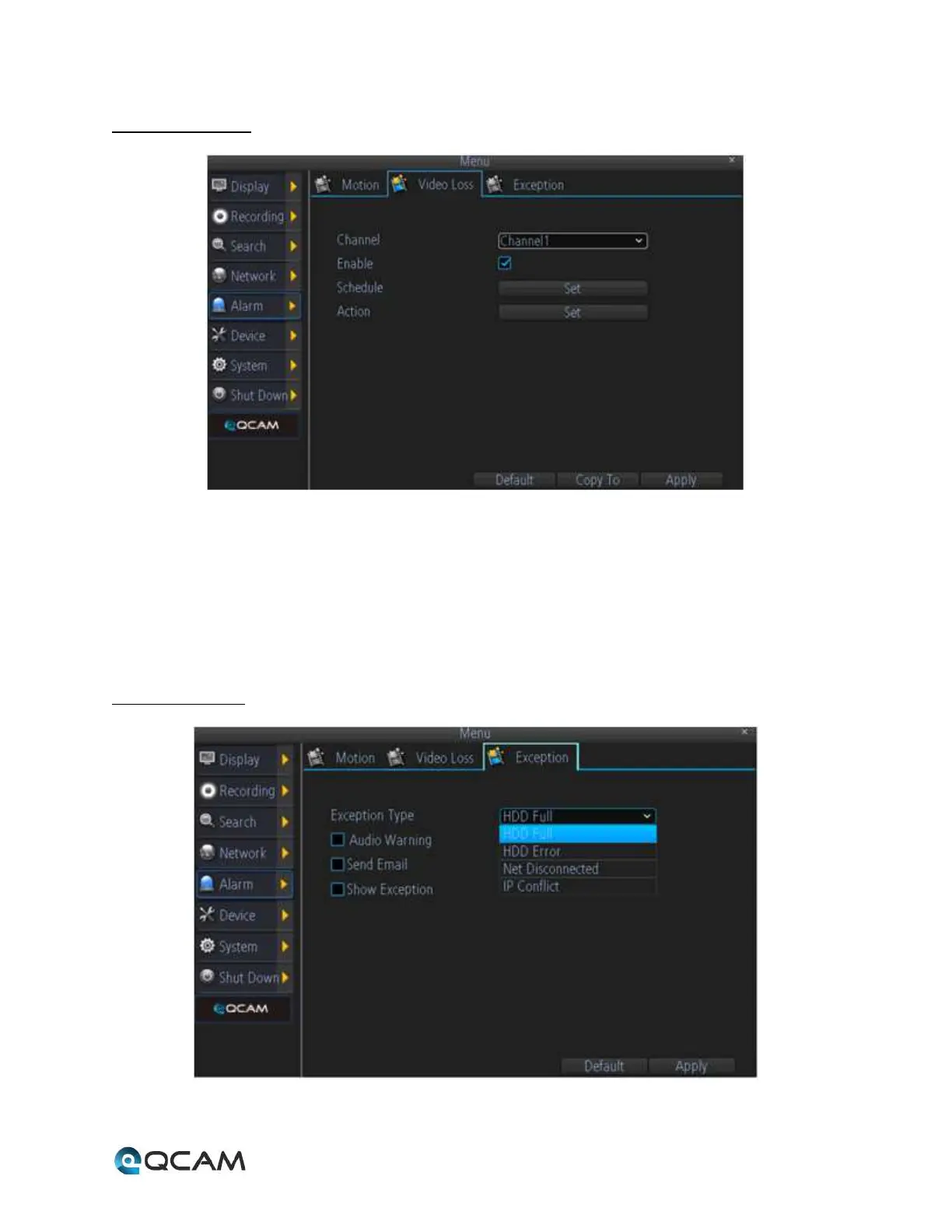
4.6.6.2 Video Loss
Below is an explanation of the fields on this screen:
• Channel: This dropdown box allows the user to choose the camera/channel to edit.
• Enable: This field allows the user to enable video loss detection for the specified channel.
• Schedule: This button allows the user to set the video loss detection schedule for the specified channel.
• Action: This button allows the user to set actions that occur when a video loss alarm is triggered for the
specified channel.
4.6.6.3 Exception
Below is an explanation of the fields on this screen:



 To Next Page