104
8.2 M.2 SSD Installation
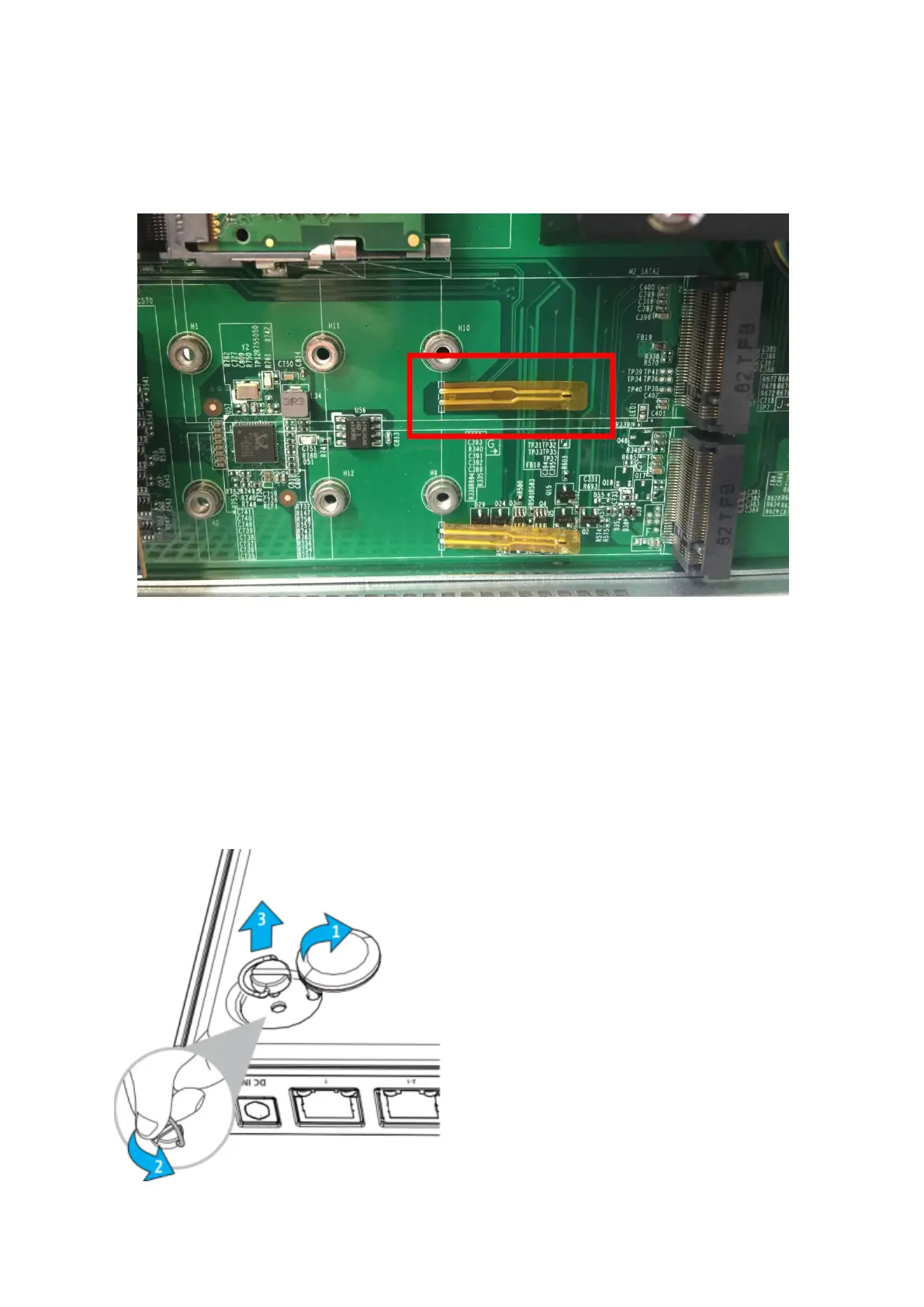
Some NAS models have a temperature sensor below the M.2 SSD. Do not attempt to bend
or remove the sensor.
8.2.1 TBS-453A
1. The system has four M.2 SSD slots that are located on the bottom of the system. The
storage capacity of the system can be upgraded by adding M.2 SSD modules to vacant
M.2 SSD slots or by upgrading existing M.2 SSD modules. The following procedure
demonstrates how to add/replace M.2 SSD modules. To remove the bottom cover, first
remove the rubber feet. Next, unscrew the four screws installed on the four corners of
the bottom cover by turning them counterclockwise.



 To Next Page
 Loading...



