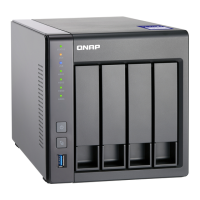
LED Status Description
USB One Touch
Copy
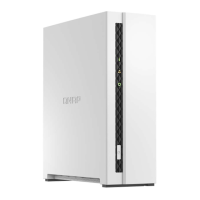
(TS-233)
Flashes blue every 0.5
seconds
• A USB device connected to the USB One Touch Copy
port is detected.
• A USB device connected to the USB One Touch Copy
port is being removed from the device.
• A USB device connected to the USB One Touch Copy
port is being accessed.
Blue A USB device is detected in the front USB port.
O • No USB device is detected.
• The host device has nished copying data to or from
the USB device connected to the front USB port.
USB One Touch Copy Button
The USB One Touch Copy button allows you to copy data backups from a USB device to the NAS or from the
NAS to a USB device.
This feature supports incremental backups. The NAS only copies les that were modied or added after the
last backup.
To congure the behavior of the button when an external device is connected to the button's USB port,
install and use Hybrid Backup Sync on your QNAP operating system. For details, see the Hybrid Backup Sync
documentation.
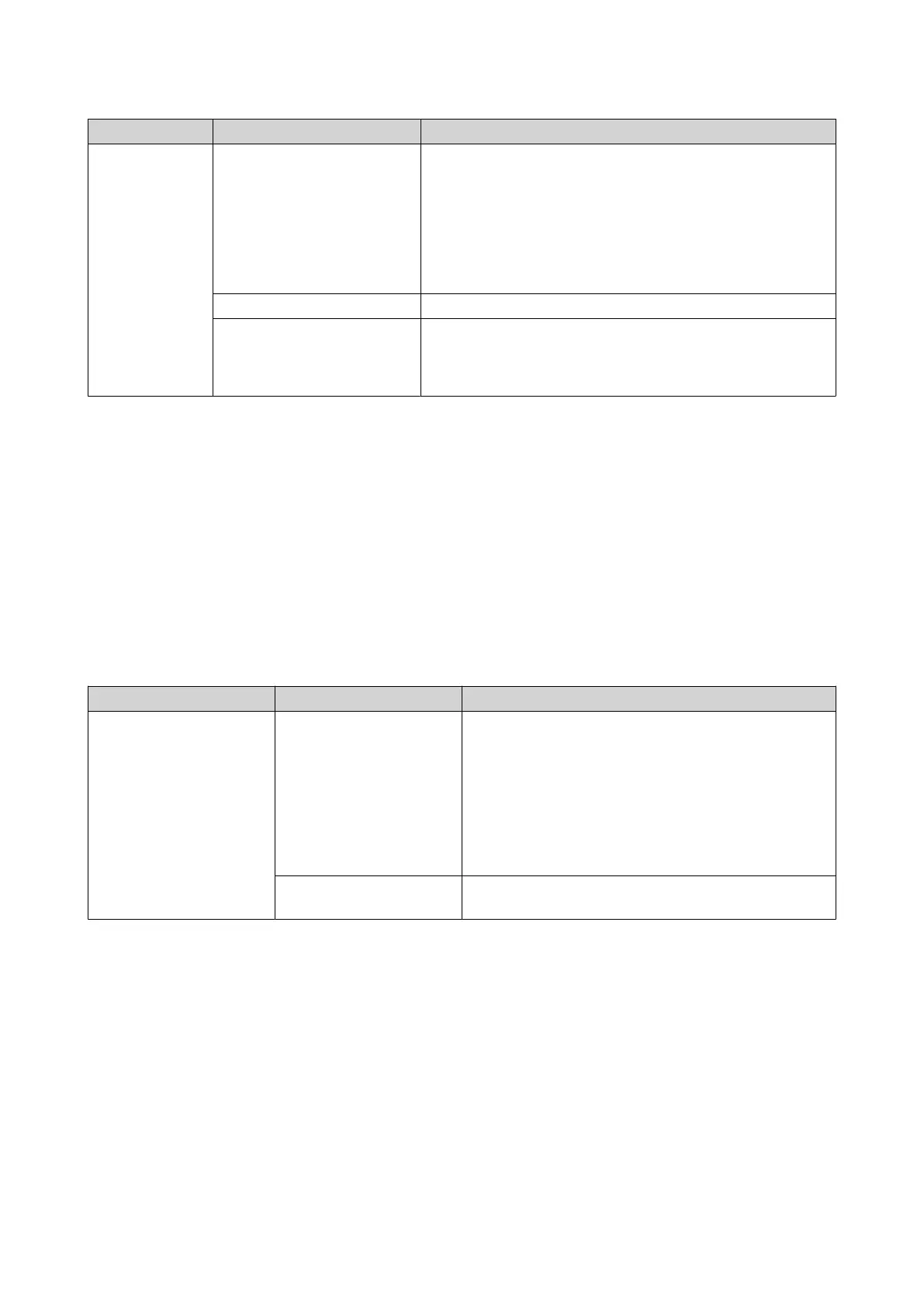
Audio Alert
Duration Frequency Description
Short beep (0.5 seconds) 1 • The NAS is starting up.
• When the reset button is pressed for 3 seconds,
the NAS resets congurations.
• When the reset button is pressed for 15 seconds,
the NAS resets congurations and reboots.
• The operating system was updated.
3 • The NAS data cannot be copied to the external
storage device connected to the front USB port.
TS-x33 User Guide
Basic Operations 43


 To Next Page
 Loading...