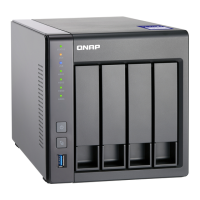
17. Connect all cables and external attachments.
18. Power on the NAS.
19. Verify that the module is recognized by the NAS.
a. Log on to QTS as administrator.
b. Go to Control Panel > System > System Status > Hardware Information .
c. Check the value for Total memory.
Connecting USB Expansion Units
The TS-431KX and the TS-431X3 supports USB expansion units. For details, please see table below.
You can purchase storage expansion accessories from QNAP or an authorized reseller.
For details, go to https://shop.qnap.com/.
For the list of compatible expansion units and the maximum number of applicable expansion units, go to
http://www.qnap.com/go/compatibility-expansion.
Note
The USB 3.2 Gen 2 Type-C to Type-C cables and RAIL-B02 are optional and must be
purchased separately.
TS-431KX/TS-431X3 User Guide
Installation and Configuration 30


 To Next Page
 Loading...