2. Disconnect the power cord from the electrical outlet.
3. Disconnect all cables and external attachments.
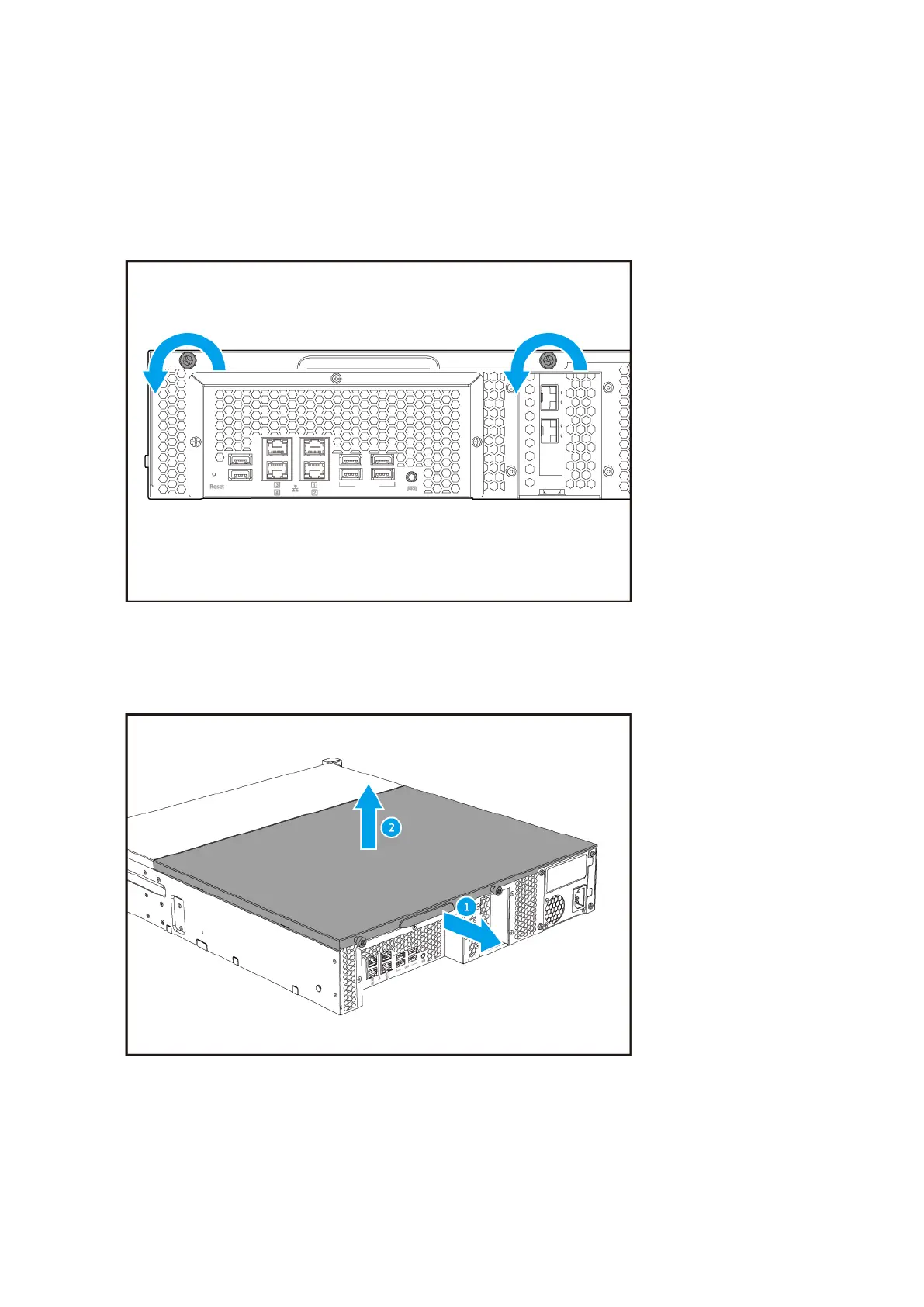
4. Remove the top cover.
a. Loosen the screws on the back of the cover.
b. Slide the cover away from the NAS using the handle.
c. Lift the cover.
5. Remove an existing memory module.
a. Push the retention clips outward to release the module.
b. Hold the module by the edges and then carefully pull it out of the slot.
TS-x73U User Guide
Installation and Configuration 36


 To Next Page
 Loading...





