119
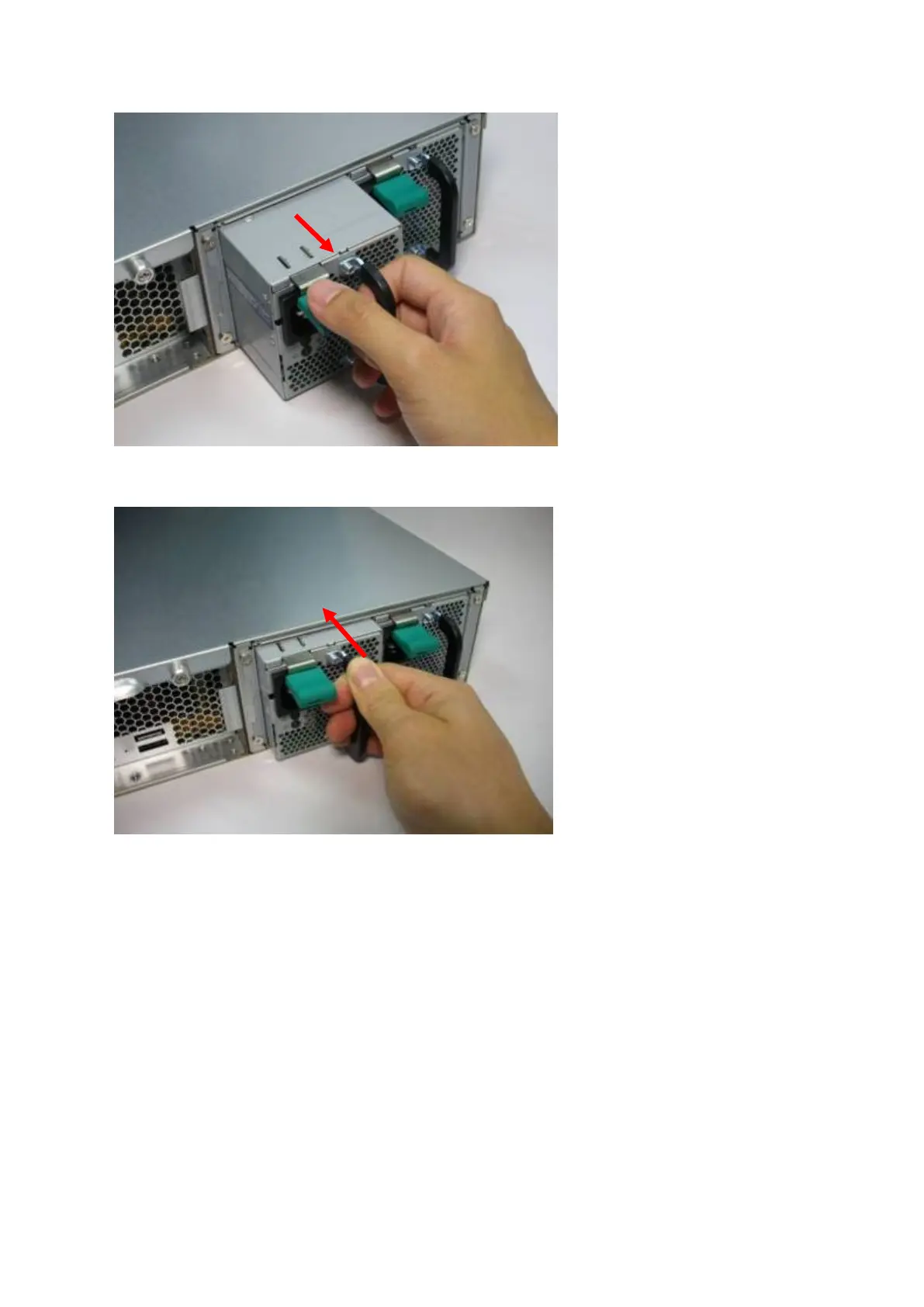
4. Plug in a new power supply to the NAS.
5. Turn on the NAS.
Enable warning alert for redundant power supply on the web-based interface:
If two power supply units (PSU) have been installed on the NAS and connected to the power
sockets, both PSU will supply the power to the NAS (applied to 1U and 2U models). Users
can enable redundant power supply mode in “System Administration” > “Hardware” to
receive warning alert for the redundant power supply. The NAS will beep and record the
error messages in “System Logs” when the PSU is plugged out or fails.
If only one PSU is installed on the NAS, users are suggested NOT to enable this option.



 To Next Page
 Loading...