55
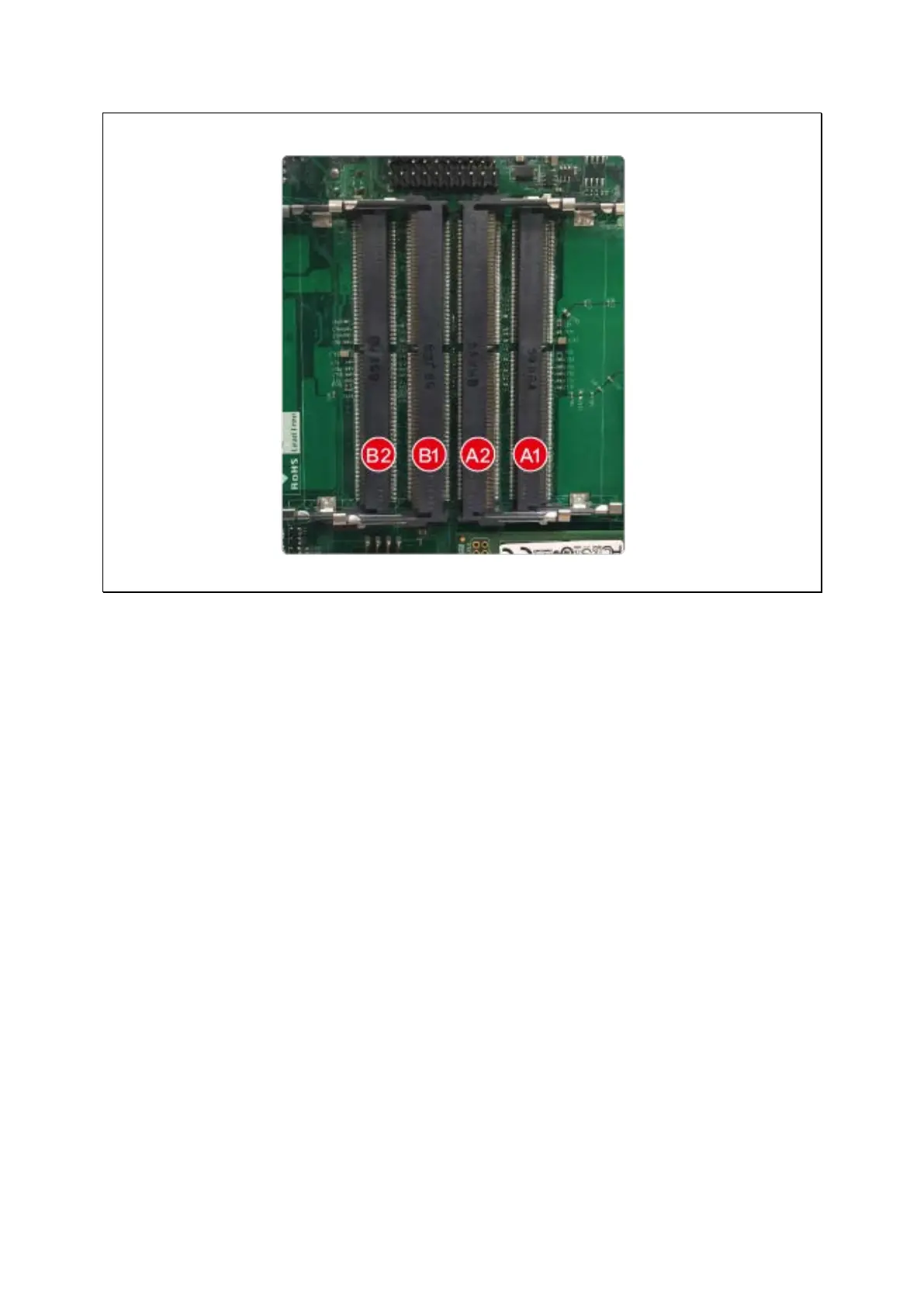
5. Gently push the memory module towards the motherboard until the retention clips
lock the memory module in place.
6. Close the case cover and fasten the screws. Connect the power adaptor and cables
to the NAS. Power on NAS.
7. To verify that the memory module has been installed correctly and is being
recognized by the operating system, log into QTS as administrator and go to
“Control Panel” > “System” > “System Status” > “Hardware Information” and
check for Total memory.
5.6 TS-431U, TS-x31XU series, TS-451U, TS-x53U, TS-x63U series
(4/8/12-bay)
1. Open the NAS.
a. TS-431XU, TS-451U, TS-453U, TS-463U series: Loosen all the screws on the top
of the NAS.



 To Next Page
 Loading...